Feature
Event details that stay correct after the invite goes out
A code that adds your event straight to the scanner's calendar - editable up to the day of.
Feature
A code that adds your event straight to the scanner's calendar - editable up to the day of.
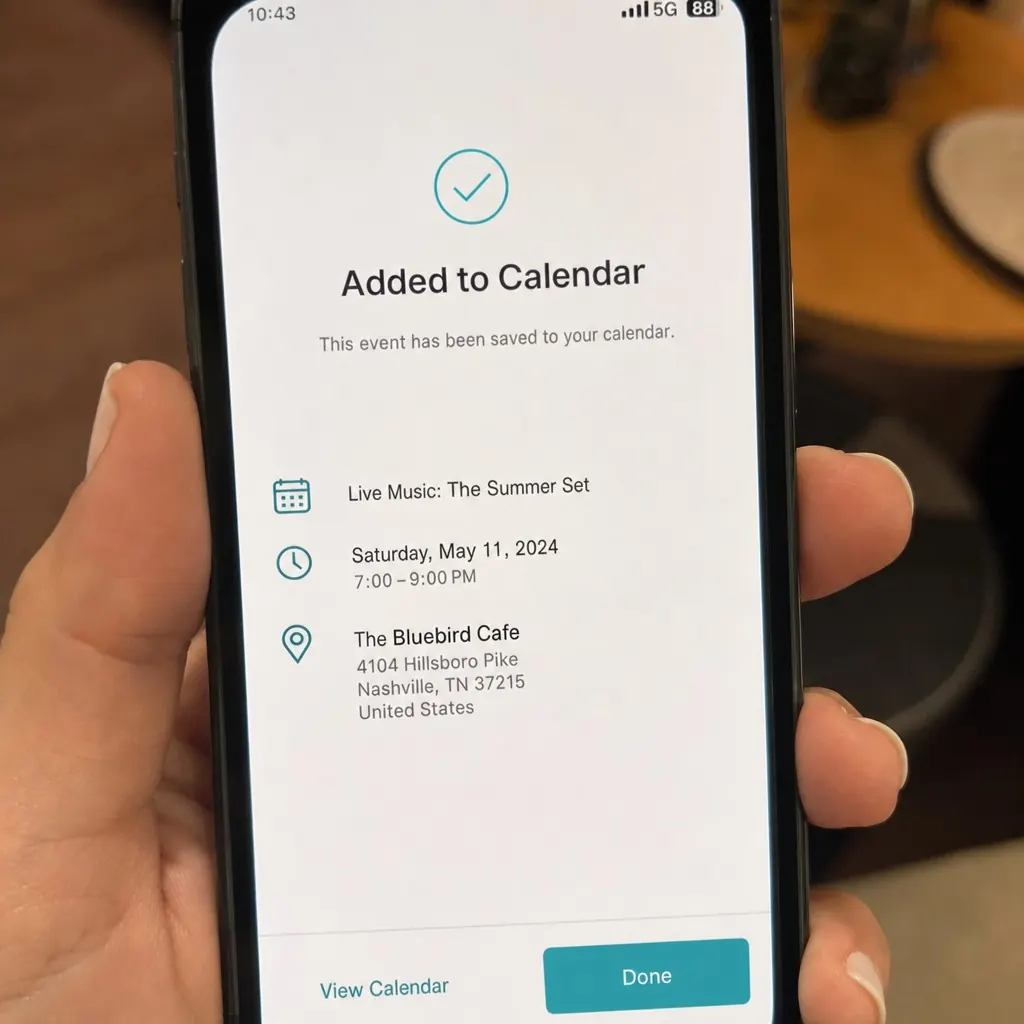
A QR Hero event code adds your event straight to the scanner's calendar, with details you can keep editing right up to the day of.
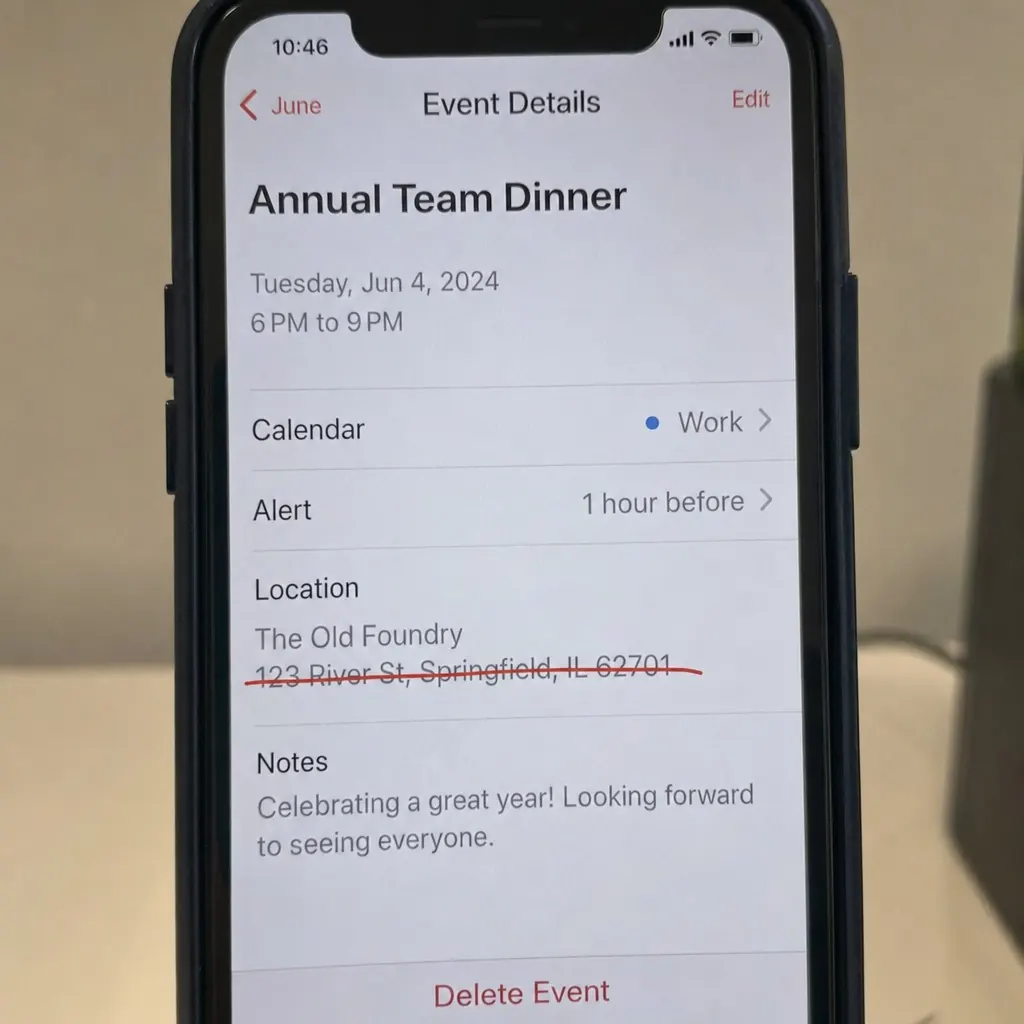
A printed event invite, badge, or poster usually encodes one static piece of information: add this event to your calendar. The problem is that once someone scans it and saves the entry, a later venue change, time shift, or added detail has no way to reach that saved copy - and reprinting invitations or posters for a date change is slow and wasteful.
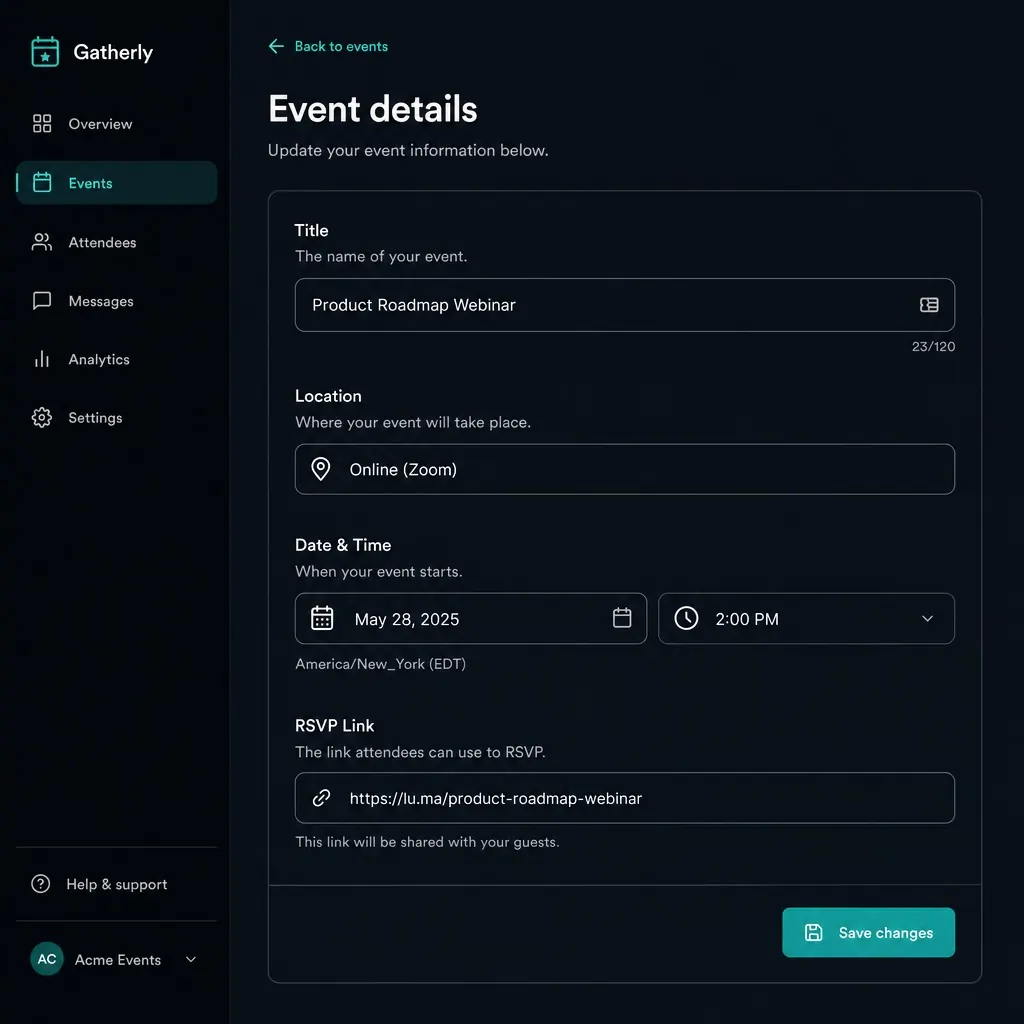
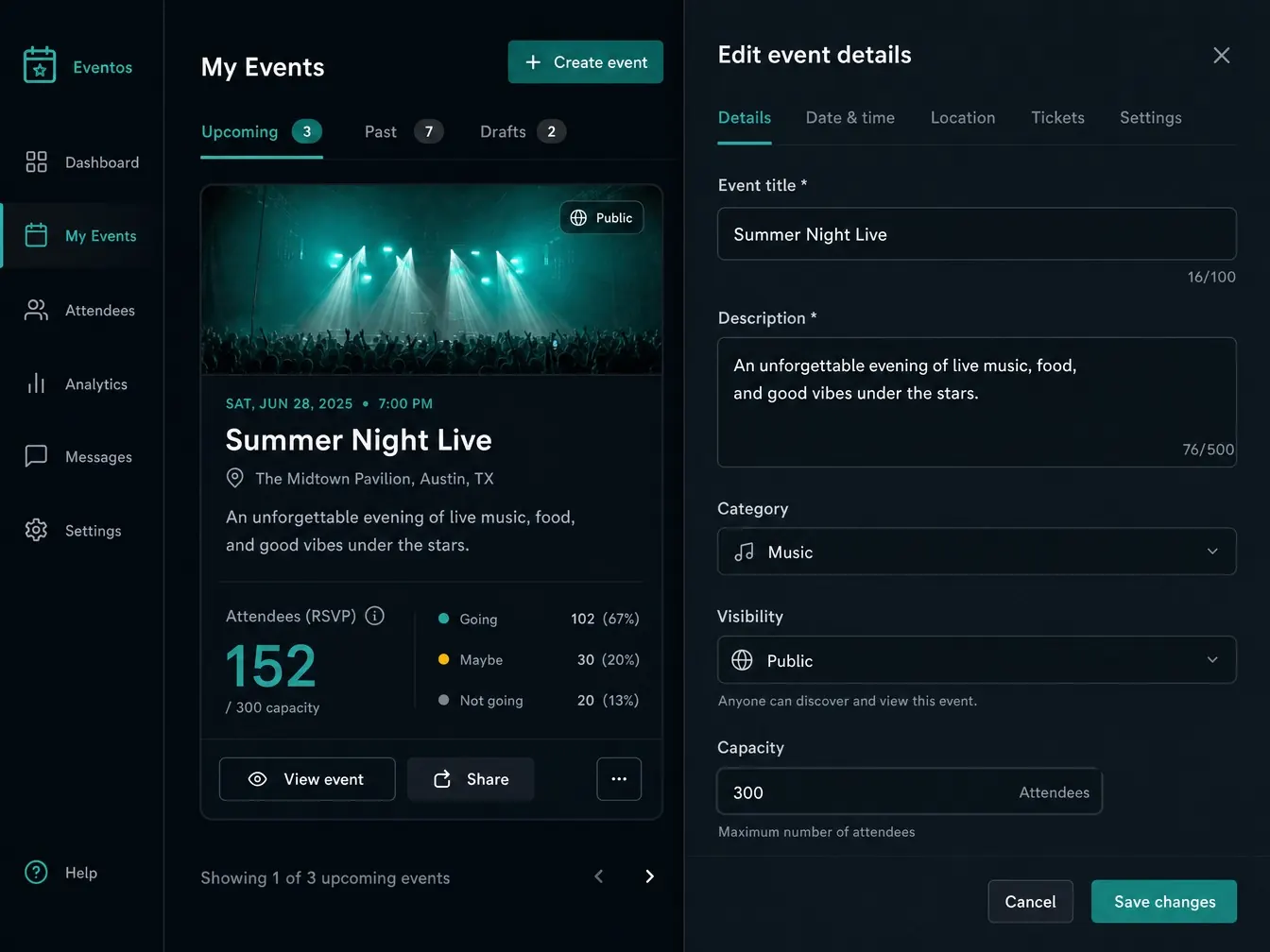
QR Hero's event codes work differently. The code itself builds a standard calendar entry - compatible with Apple Calendar, Google Calendar, and Outlook - from details you control entirely in the dashboard: title, location, date, time, timezone, and an optional RSVP link. Anything can be edited up to the day of the event itself, without touching the printed card, badge, or poster at all.
A fresh scan always pulls the current details, so a venue change reaches anyone who scans after the update, even if earlier scanners are working from an older saved copy. It pairs naturally with Location & directions for guests who need to actually find the venue, and scan analytics show interest building in the run-up to the date - useful signal for gauging turnout before doors open.
Event codes work well paired with a Location & directions code for venue directions, a Link pages linking out to tickets or the agenda, and since event details change right up to the day, most organizers use Dynamic links underneath to update them without reprinting.
Once a calendar entry is saved, a venue or time change won't reach it.
Update the venue, time, or RSVP link whenever you need to, up to the day of.
The printed invite never changes - it always hands out today's information.
Title, description, location, time, timezone, RSVP link.
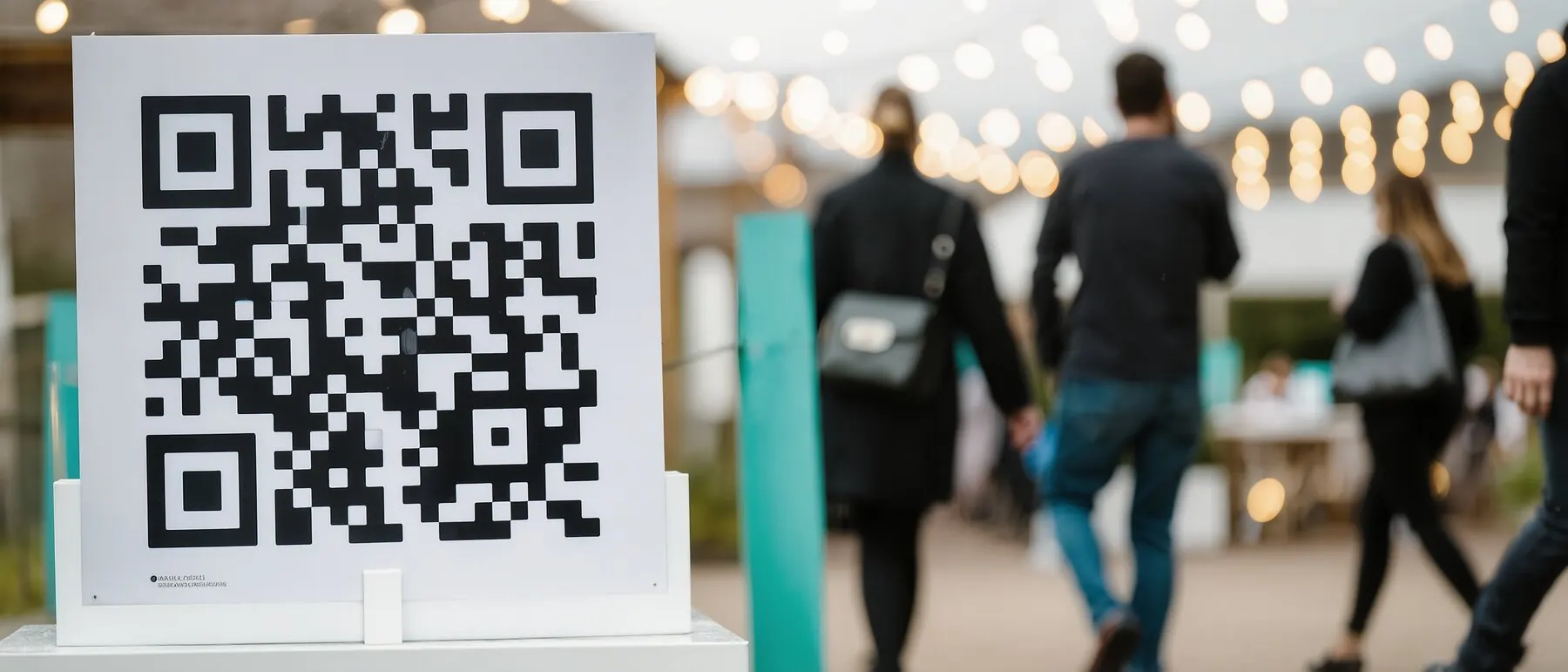
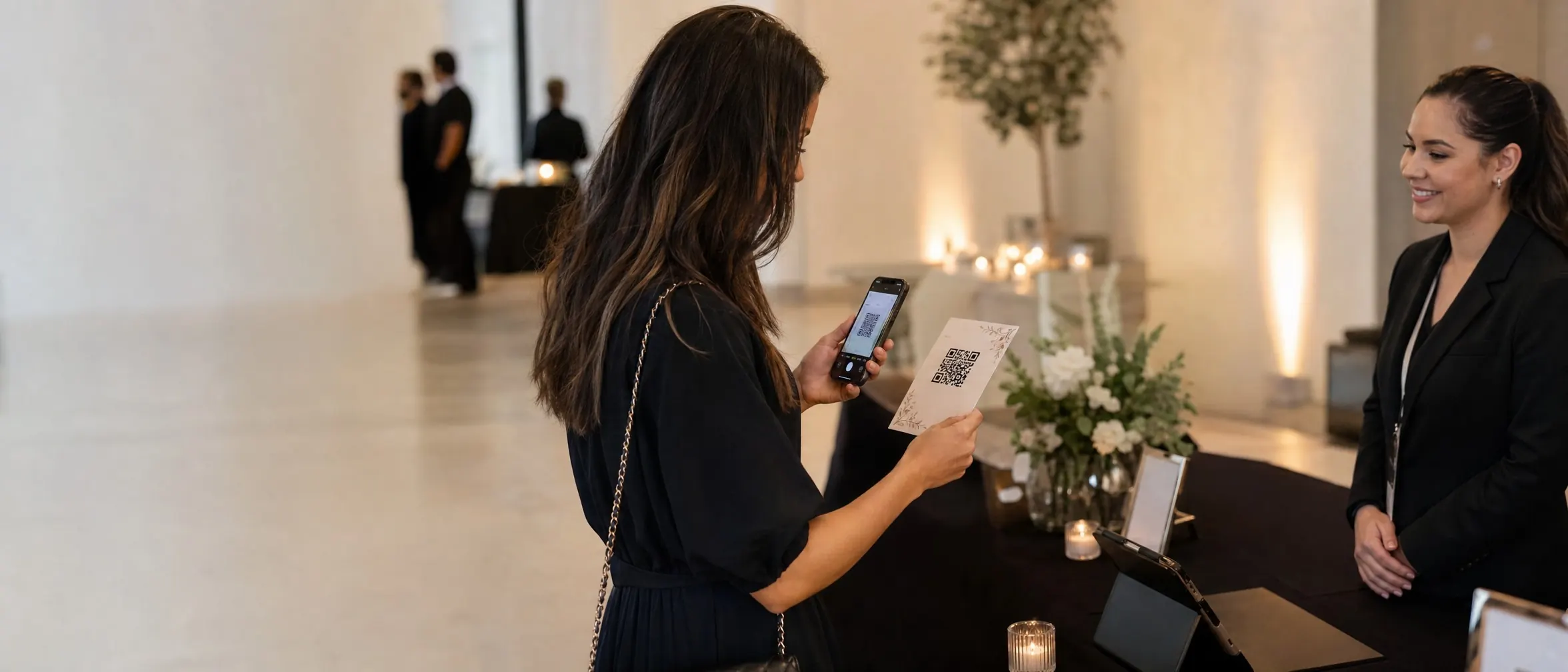
Print it on an invite, badge, or poster - or drop it in a digital flyer.
Venue or time shifted? Update once - every calendar entry reflects it.
Standard .ics generation
Compatible with Apple Calendar, Google Calendar, and Outlook.
Editable up to the day of
Title, description, location, time, and timezone.
Optional RSVP link
Alongside the calendar action.
Works from any format
A printed invite, a badge, a poster, or a digital flyer.
Pairs with Location & directions
The event page can also route guests to the venue.
Scan analytics
See when interest in the event picks up before the date.
Put it to work on your next print run
Your first dynamic code is live in minutes, on your own domain.
Anyone who already added it to their calendar keeps their saved copy - that's how calendar apps work generally - but a fresh scan always gets the latest details, so promote re-scanning if something changes close to the date.
The generated file uses the standard `.ics` format supported by Apple Calendar, Google Calendar, and Outlook.
Yes - each add-to-calendar action is logged the same way any other scan is, feeding your analytics dashboard.
Common pairings for events and launches.
Just need a one-off static code?
Our free generator makes one in your browser, no account required. It cannot be re-pointed or measured once it is printed, which is exactly why this page exists.
See this feature in context, industry by industry.
Your first dynamic code is live in minutes, on your own domain.