Feature
Stop manually swapping destinations
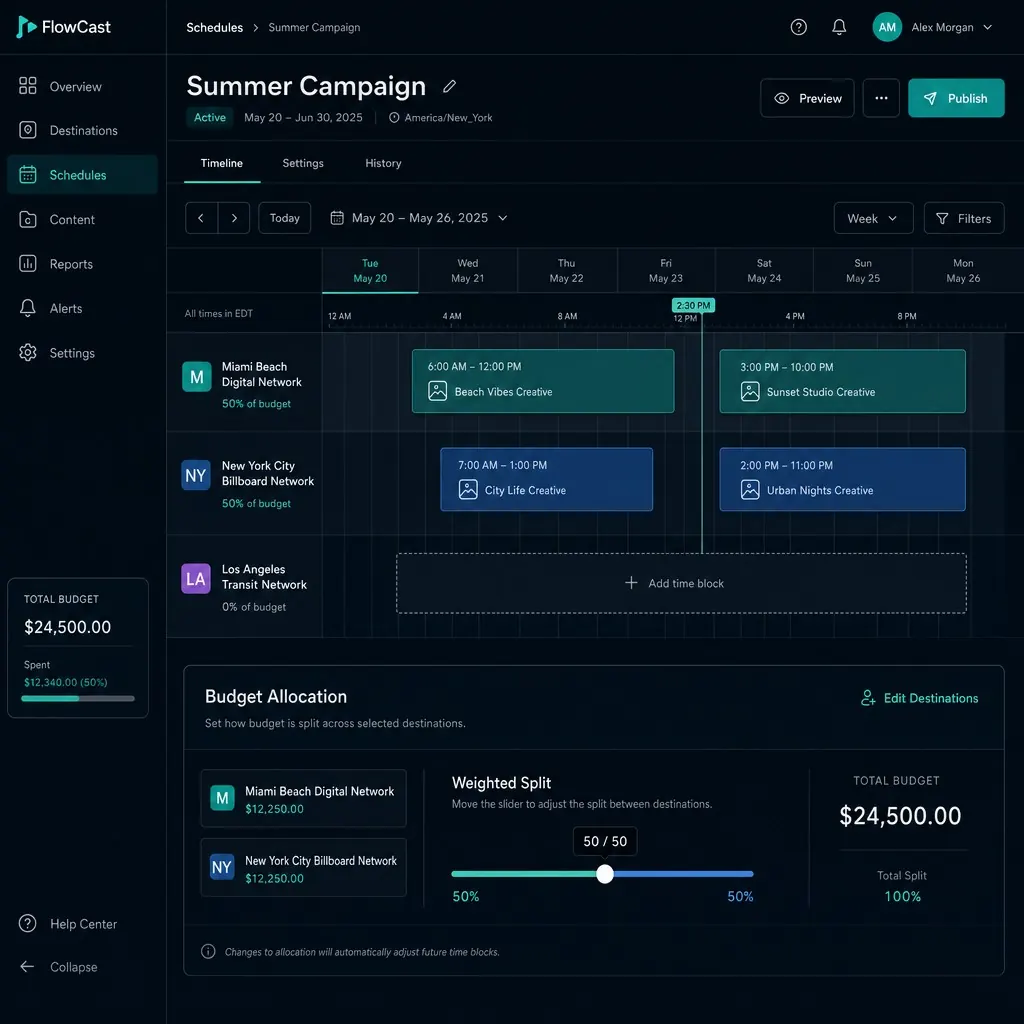
Schedule a destination to change automatically, or split traffic across variants to A/B test - the same code throughout.
Feature
Schedule a destination to change automatically, or split traffic across variants to A/B test - the same code throughout.
QR Hero lets you schedule a QR code's destination to change automatically, or split traffic across variants to A/B test what actually converts.
Most QR destinations get set once and left alone, not because that's optimal but because changing them manually means someone remembering to log in and flip a link at the right moment - a lunch menu at 11, a flash sale that starts Friday, a campaign that should really be split-tested but isn't, because manual swaps don't scale past one or two changes.
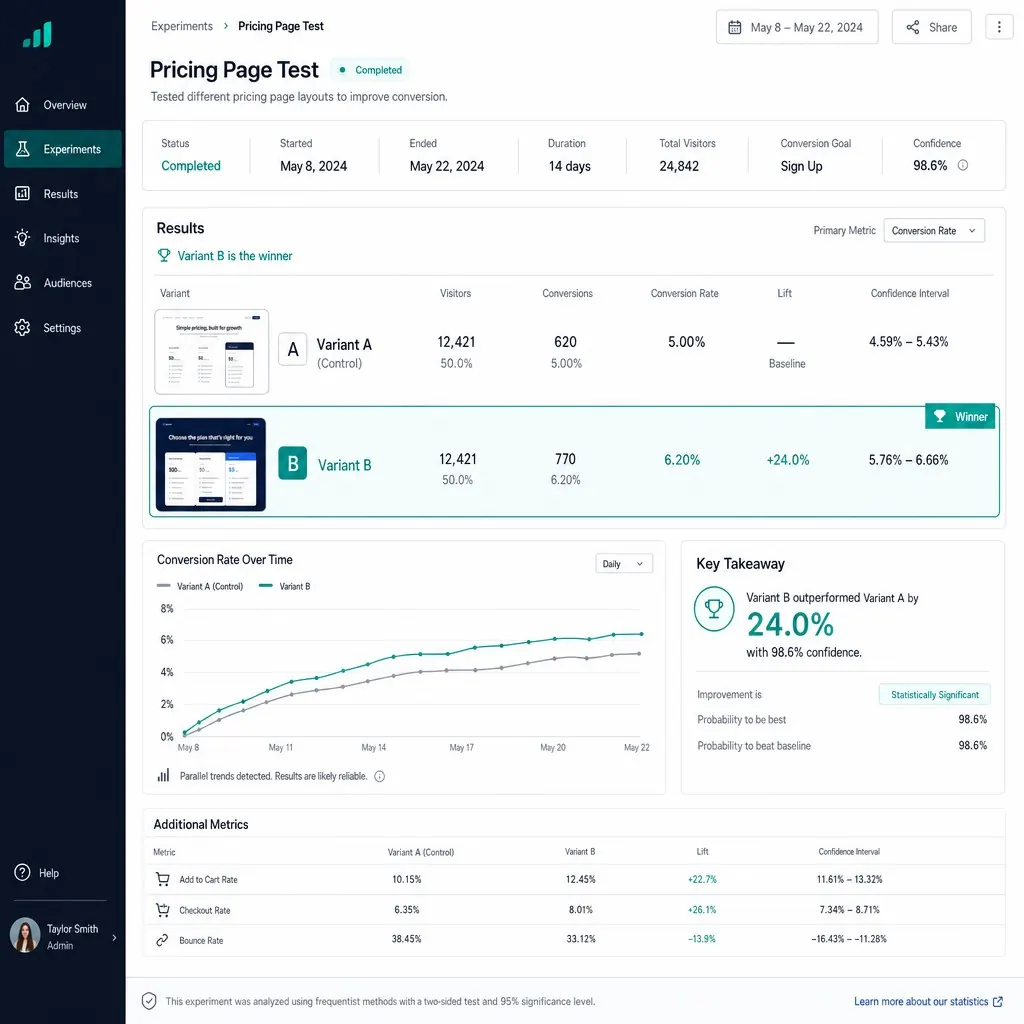
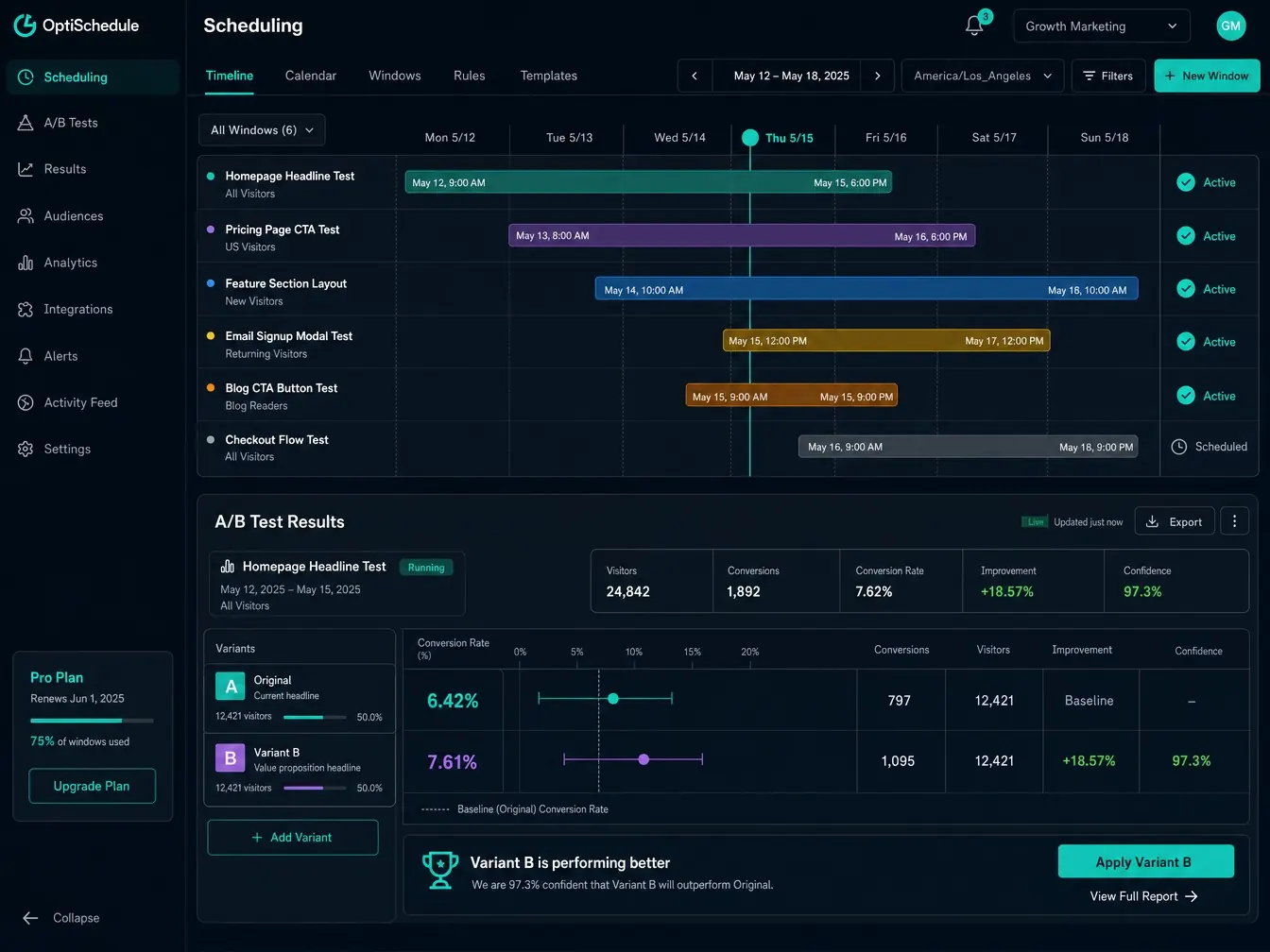
QR Hero's scheduling and A/B testing put both on the same code. Set active windows with timezone-aware start and end times - a lunch menu from 11 to 3, a launch that goes live at midnight in the right market - and the destination changes itself, no login required at the moment it matters. Or set a weighted split instead: send a percentage of scans to each of two or more destinations and let real traffic settle which one actually converts better.
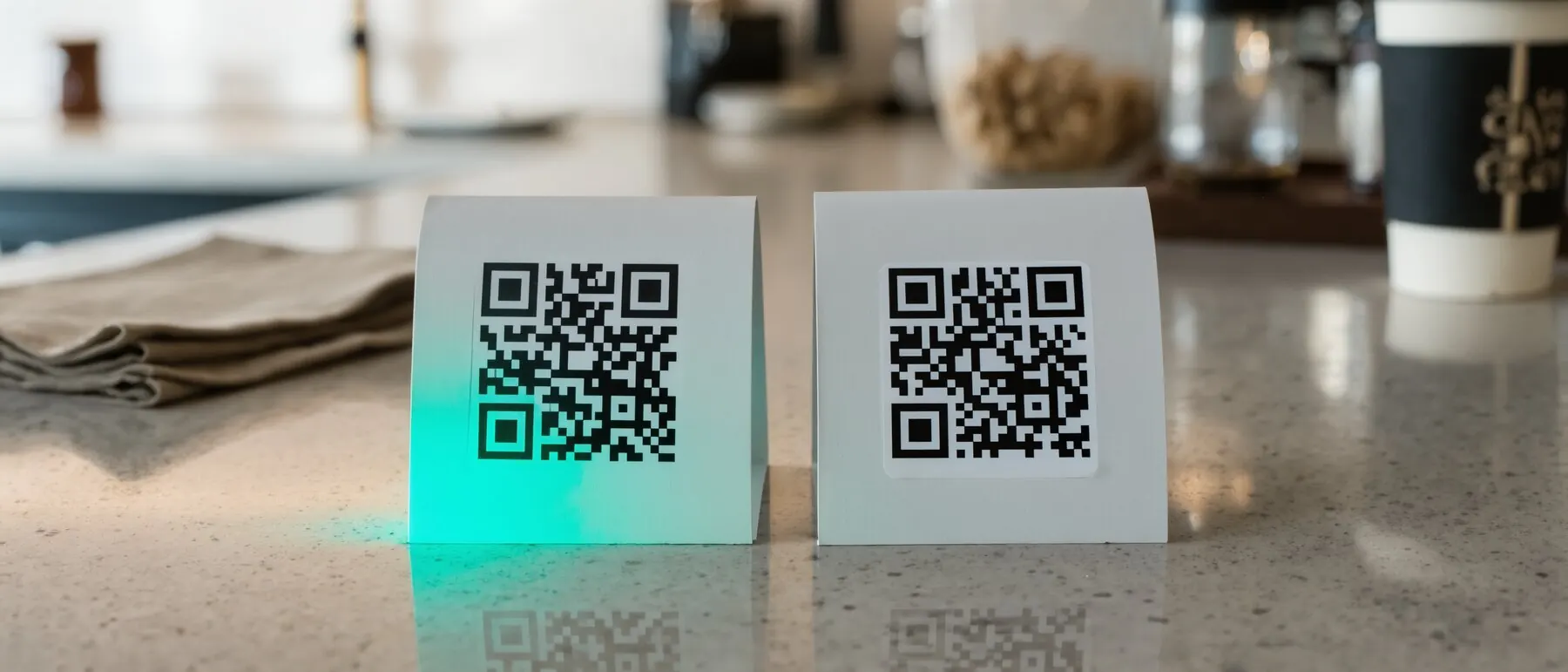
Either way, it's one printed code the whole time - no duplicate QR images, no reprint between test variants. Pair it with scan analytics to compare variant performance side by side, or with smart routing for tests that also vary by device, language, or geography, and end a test manually the moment a winner is clear rather than waiting out a fixed schedule.
Scheduling and A/B testing both work through Dynamic links under the hood, and combine naturally with Smart routing for device- or geography-based splits and Scan analytics to see which version wins.
Someone has to remember to flip it - or you never really know what converts.
Time-based swaps or weighted A/B tests, configured in your dashboard.
No reprinting, and the data tells you what's actually winning.
On/off schedules with timezones - lunch menu at 11–15, and so on.
Send a percentage of scans to each destination to test what converts.
Pair with Scan analytics to see which variant is actually winning.

Timezone-aware scheduling
Time-of-day or date-range destination changes.
Weighted percentage splits
Across two or more destination variants.
No code duplication
One printed QR runs the whole test or schedule.
Pairs with Scan analytics
Compare variant performance side by side.
Combines with Smart routing
Tests that also vary by device, language, or geography.
Manual override anytime
End a test early once a winner is clear.
Put it to work on your next print run
Your first dynamic code is live in minutes, on your own domain.
You set a weighted percentage per destination (e.g. 50/50 or 80/20), and each scan is routed according to that split, logged for comparison in analytics.
Yes - schedules are timezone-aware, so a lunch-menu window or a campaign launch fires at the right local time regardless of where the scan happens.
No - the same printed code runs the whole test. Variants and splits are configured in your dashboard, not baked into separate QR images.
Common pairings for campaign-driven teams.
See this feature in context, industry by industry.
Your first dynamic code is live in minutes, on your own domain.