Feature
The PDF changes. The code doesn't.
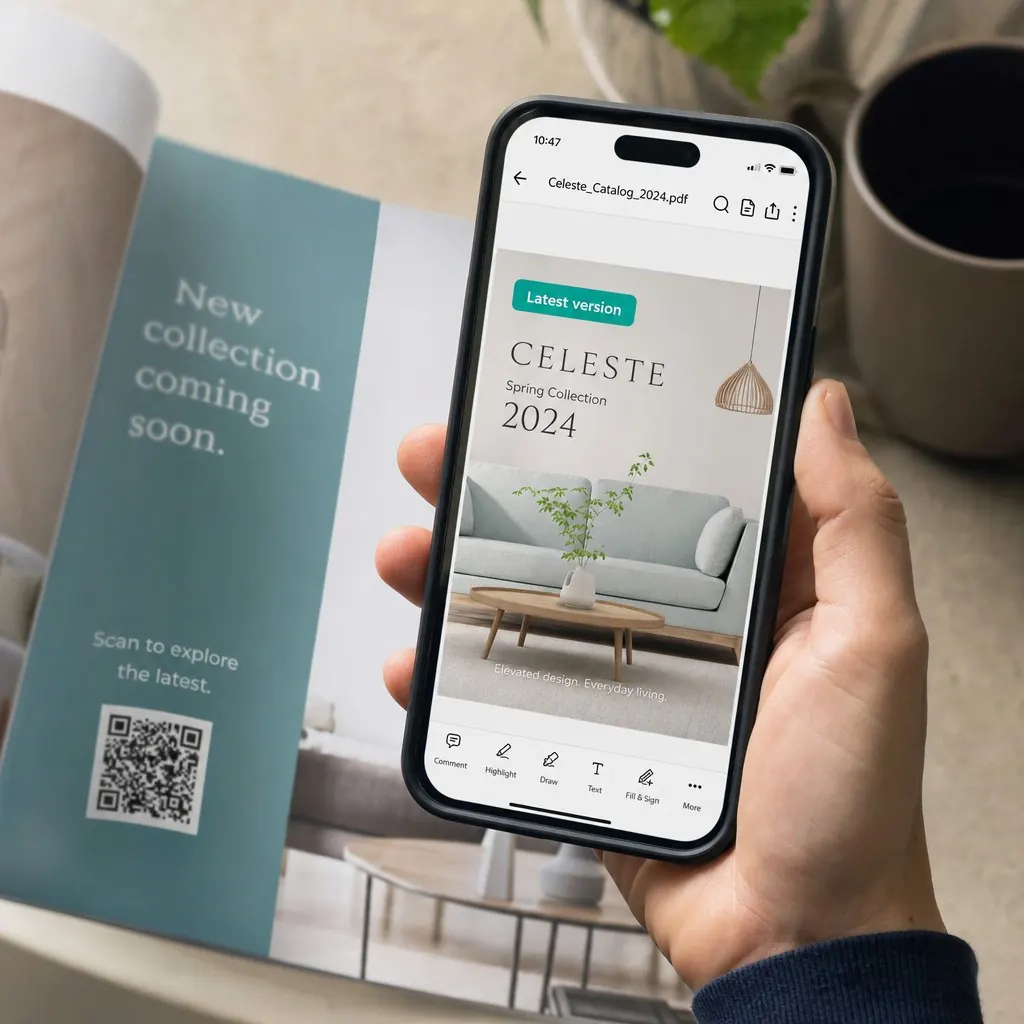
A code that hosts a replaceable PDF - swap spec sheets, menus, or catalogs without reprinting a thing.
Feature
A code that hosts a replaceable PDF - swap spec sheets, menus, or catalogs without reprinting a thing.
A QR Hero PDF code hosts a replaceable file behind a single QR code, so you can swap spec sheets, menus, or catalogs without reprinting.
A printed catalog, spec sheet, or menu usually gets one shot: whatever PDF was live when the code went to print is what every scanner sees forever, even after prices change, a spec gets revised, or a seasonal menu rotates out. Reprinting the code for every revision is slow, and it means older printed copies keep pointing at stale information indefinitely.
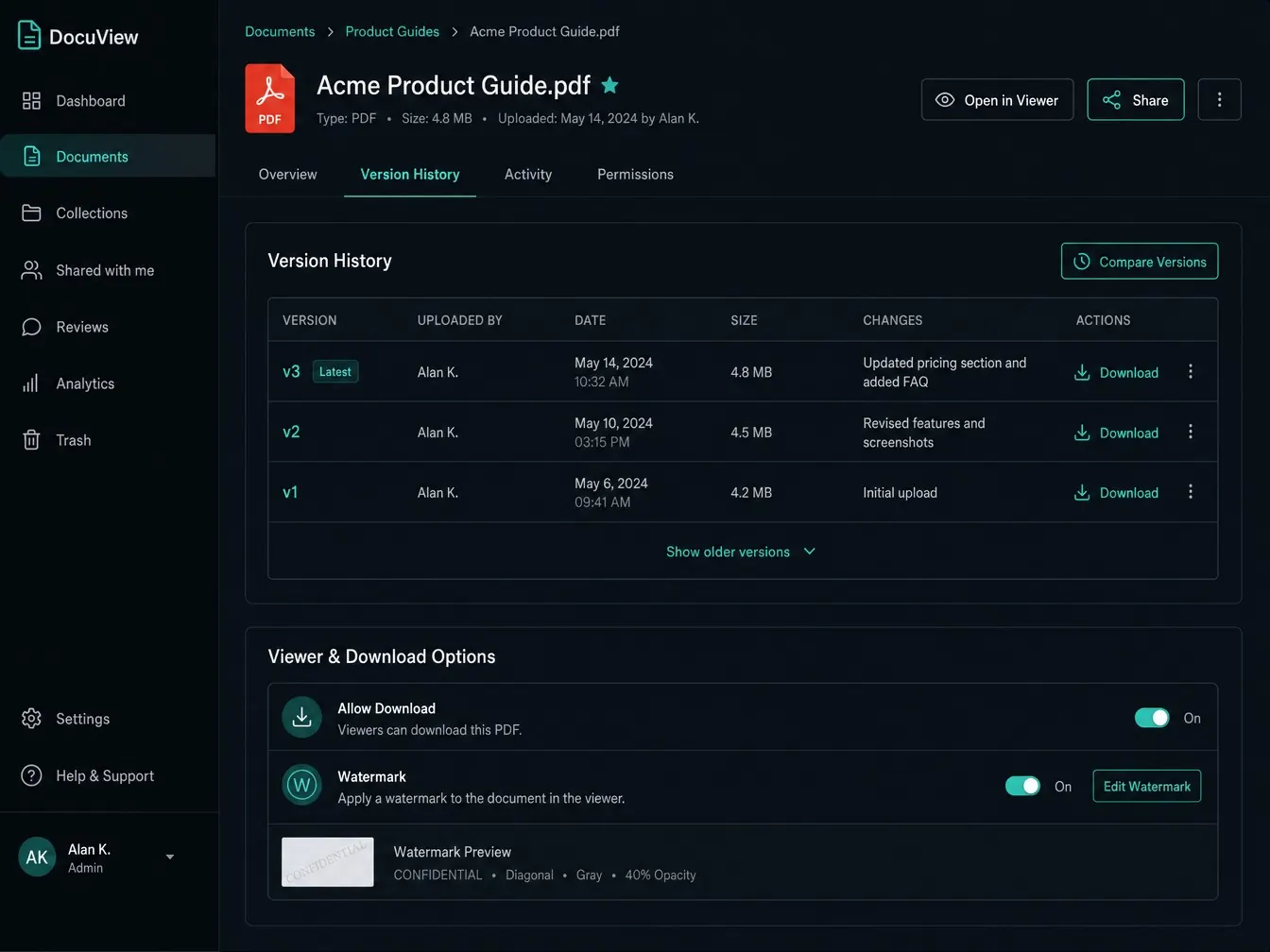
QR Hero's PDF codes separate the printed material from the file behind it. Upload a spec sheet, menu, or catalog once, and swap in a new revision anytime - the code and every printed copy of it keep working, now serving whatever file you uploaded last. Choose an inline viewer or a direct download depending on how the document should be used, and add optional watermarking or download controls for anything sensitive, like a proposal or a signed spec.
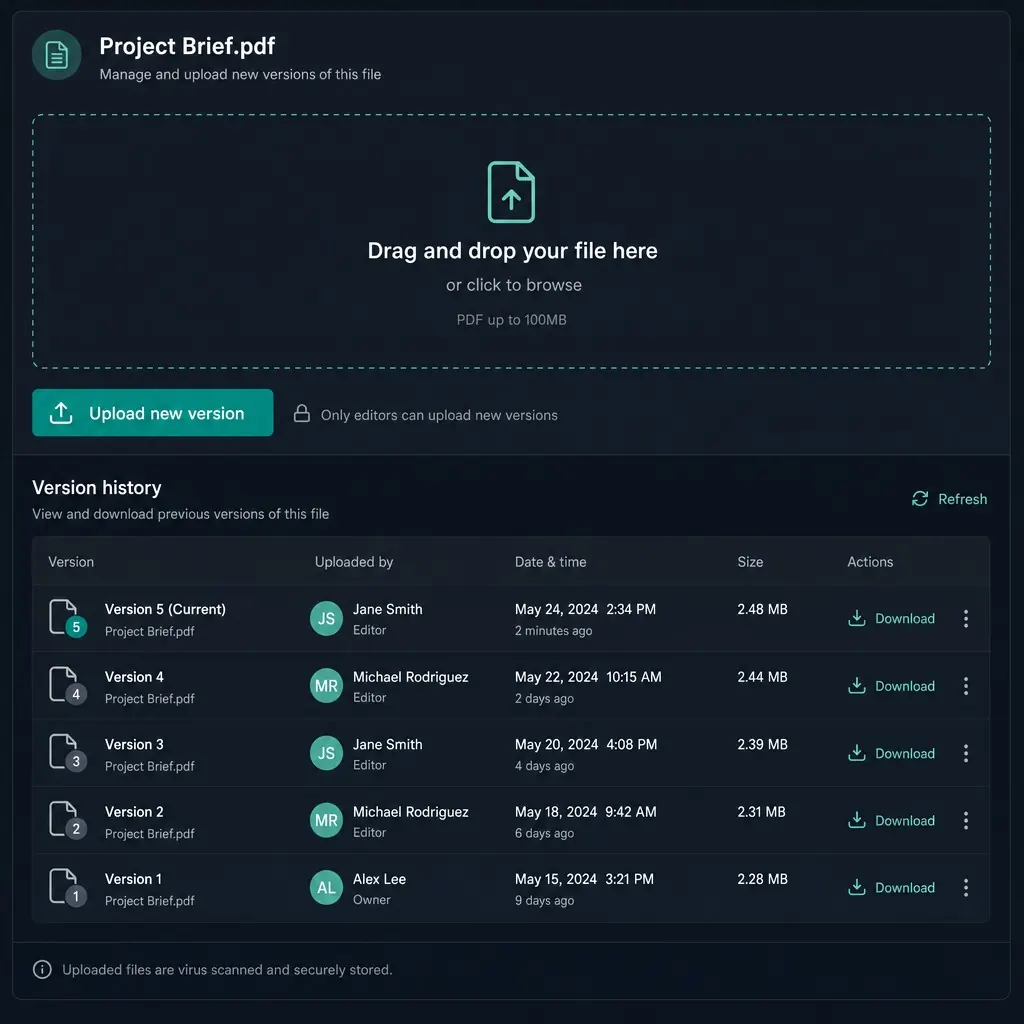
Every upload keeps automatic version history, so nothing is lost even as the live file changes, and download analytics sit on top of scan tracking - meaning you can tell not just who scanned the code, but who actually opened or downloaded what's behind it. It pairs naturally with a vCard or link page for a booth or sales-kit code that covers a business card, a brochure, and a landing page from one printed piece.
PDF codes pair naturally with a Digital business cards for the person handing out the spec sheet, a Link pages linking to more resources, or a Product pages & feeds when the PDF is one of several documents tied to a catalog.
Every catalog revision means printing a new code.
Swap in a new spec sheet, menu, or catalog whenever pricing or specs change.
It never needs to change - it just serves whatever you uploaded last.
Spec sheet, menu, catalog, or brochure - with version history kept automatically.
Inline viewer or direct download, with optional watermarking.
New revision or pricing? Swap the file, keep the same code.

Automatic version history
Kept every time you upload a replacement file.
Viewer or direct download
Choose whichever fits how the document is meant to be used.
Optional watermarking
Plus download controls for sensitive spec sheets or contracts.
Unlimited file swaps
The same code and printed material stay valid throughout.
Pairs with vCard and links
A booth or sales-kit code covering a card, brochure, and landing page.
Download analytics
On top of scan tracking, so you know if it's actually opened.
Put it to work on your next print run
Your first dynamic code is live in minutes, on your own domain.
Both are tracked - the initial scan and the subsequent view or download are logged separately, so you can see drop-off between the two.
Version history is kept automatically, though the live code always serves the current version by default.
Optional watermarking is supported for sensitive documents; the specifics of dynamic per-viewer watermarking depend on plan - check with your account team.
Common pairings for campaign-driven teams.
Your first dynamic code is live in minutes, on your own domain.