QR Hero for Museums, galleries & tourism
The audio guide visitors already carry
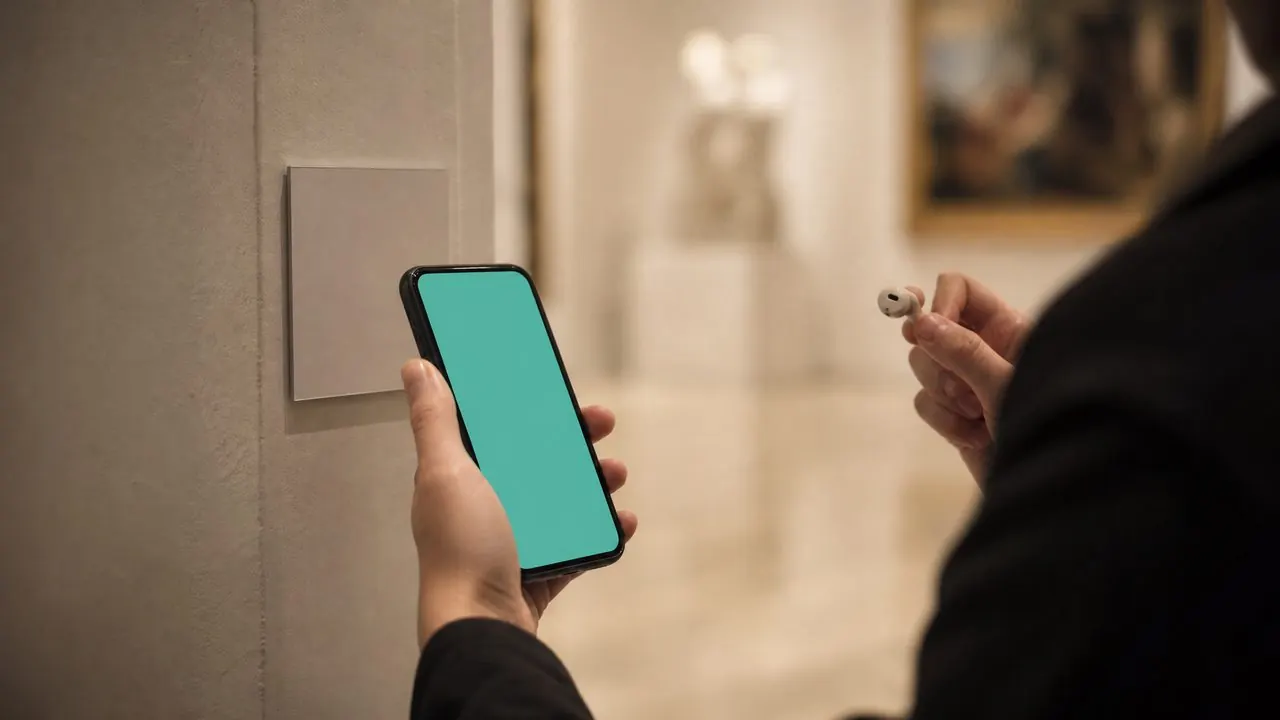
Exhibit codes open rich content in the visitor's own language, in their own browser - no hardware rental, no app download, refreshed for every new exhibition.
QR Hero for Museums, galleries & tourism
Exhibit codes open rich content in the visitor's own language, in their own browser - no hardware rental, no app download, refreshed for every new exhibition.
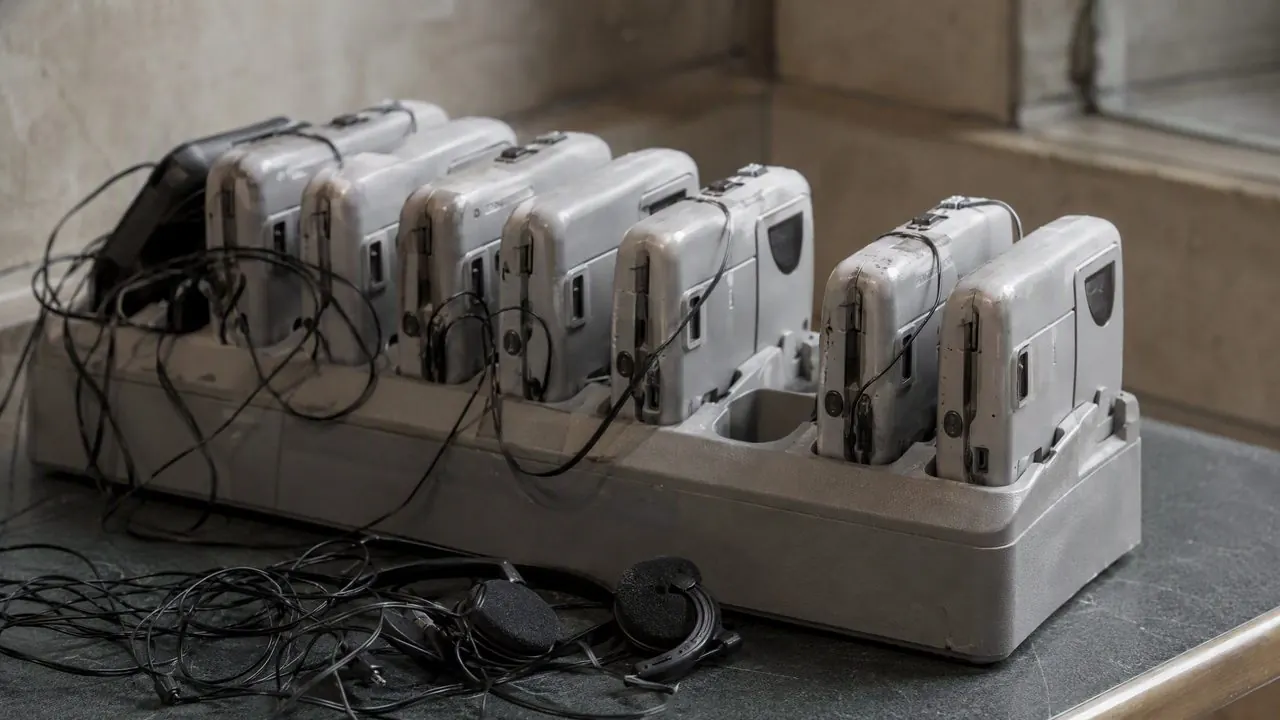
Only ~2.5% of visitors install dedicated audio-guide apps, and hardware guides mean queues, sanitizing, and rental costs.
A code beside each exhibit opens audio or text in the browser, routed by the visitor's language - and re-pointed wholesale when the exhibition changes.
Exhibit audio & text guides
A code beside each piece opens the story in the visitor's language of choice - replacing rented audio hardware.
Self-guided tour routing
Sequential codes route visitors through a themed tour, each stop unlocking the next piece of content.
City & heritage wayfinding
Codes on historic markers and walking-tour signs open deeper stories, translations, and ticket purchases.
Exhibition turnover without reprints
New exhibition, same physical placards - re-point every code to the new content set in minutes.
+35%
growth in museum QR usage for interactive exhibits
2.47%
of visitors download native audio-guide apps - browsers win
97.9%
QR penetration across the European population
Every card links to the full feature page.
Link pages
Rich per-exhibit content pages - audio, text, images - with no app install.
Smart routing
Language-based routing sends each visitor to content they can read.
Dynamic links
Exhibitions rotate; the engraved placard codes don't have to.
Scan analytics
Which exhibits engage most - data that informs curation.
Location & directions
Directions to the site, the annex, or the next stop on the tour.
Try it for museums & tourism
Print one code, re-point it, and watch the scan data land before you commit.
No - content opens directly in the phone's browser after a scan. That's precisely why QR guides outperform native audio-guide apps, which only ~2.5% of visitors download.
Yes. Routing rules read the device language and send each visitor to the right version - or the landing page can offer a language picker.
Re-point the codes to the new content set. Physical placards, plinths, and wall labels stay exactly where they are.
Codes need a data connection to resolve, like any web link. For known dead zones, keep on-site WiFi available - a WiFi code at the entrance pairs well.
See how other teams put the same core to work.
Your first dynamic code is live in minutes, on your own domain.