Feature
Let your AI assistant manage QR Hero directly
An MCP server exposes QR Hero's core actions as tools your AI assistant can call - create codes, check analytics, manage domains - without custom glue code.
Feature
An MCP server exposes QR Hero's core actions as tools your AI assistant can call - create codes, check analytics, manage domains - without custom glue code.
QR Hero's MCP server lets an AI assistant create, check, and manage your QR codes directly in plain language, with safety checks built in.
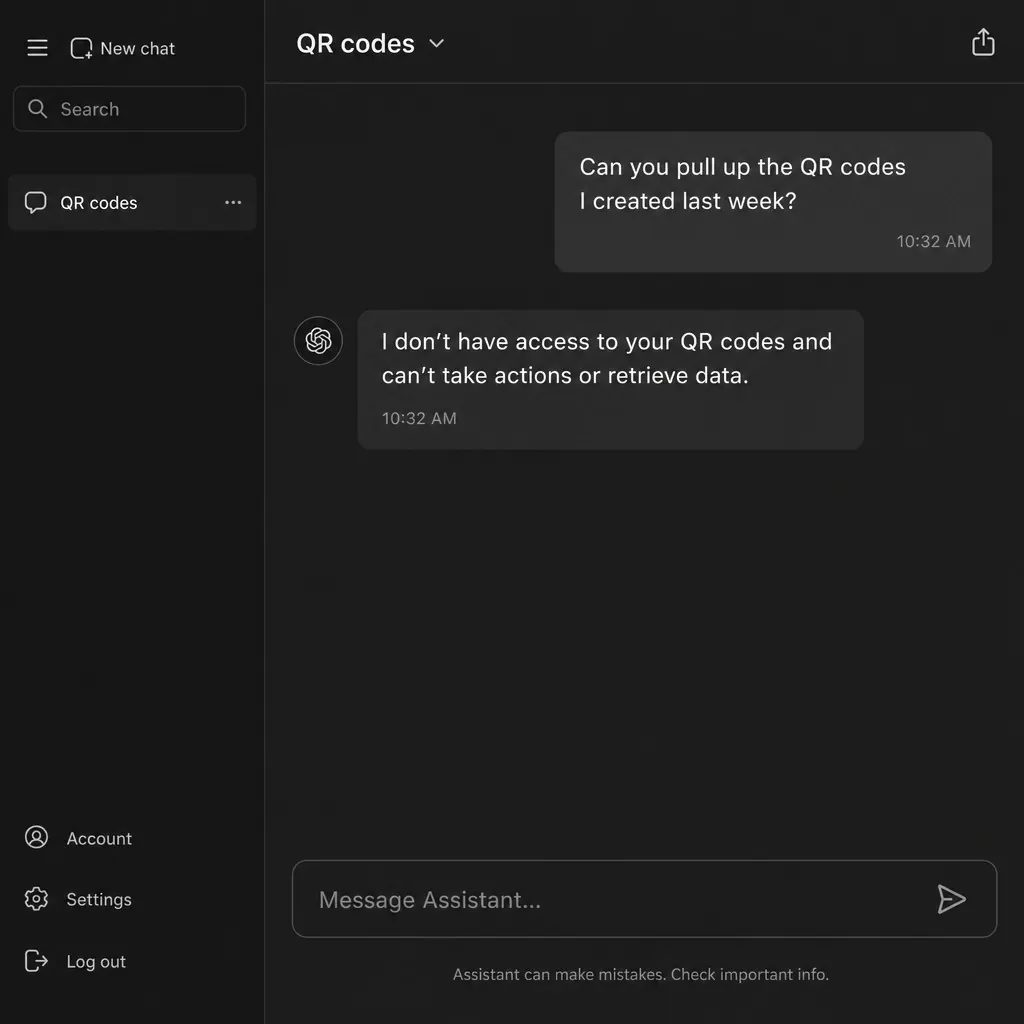
An AI assistant can already explain what a QR code campaign is, or draft copy for a scan-triggered landing page - but ask it to actually create ten codes for a product line, or check how last week's menu code performed, and it hits a wall. Without a way to reach into your actual QR Hero account, every answer stays theoretical: correct in principle, useless for getting the work done.
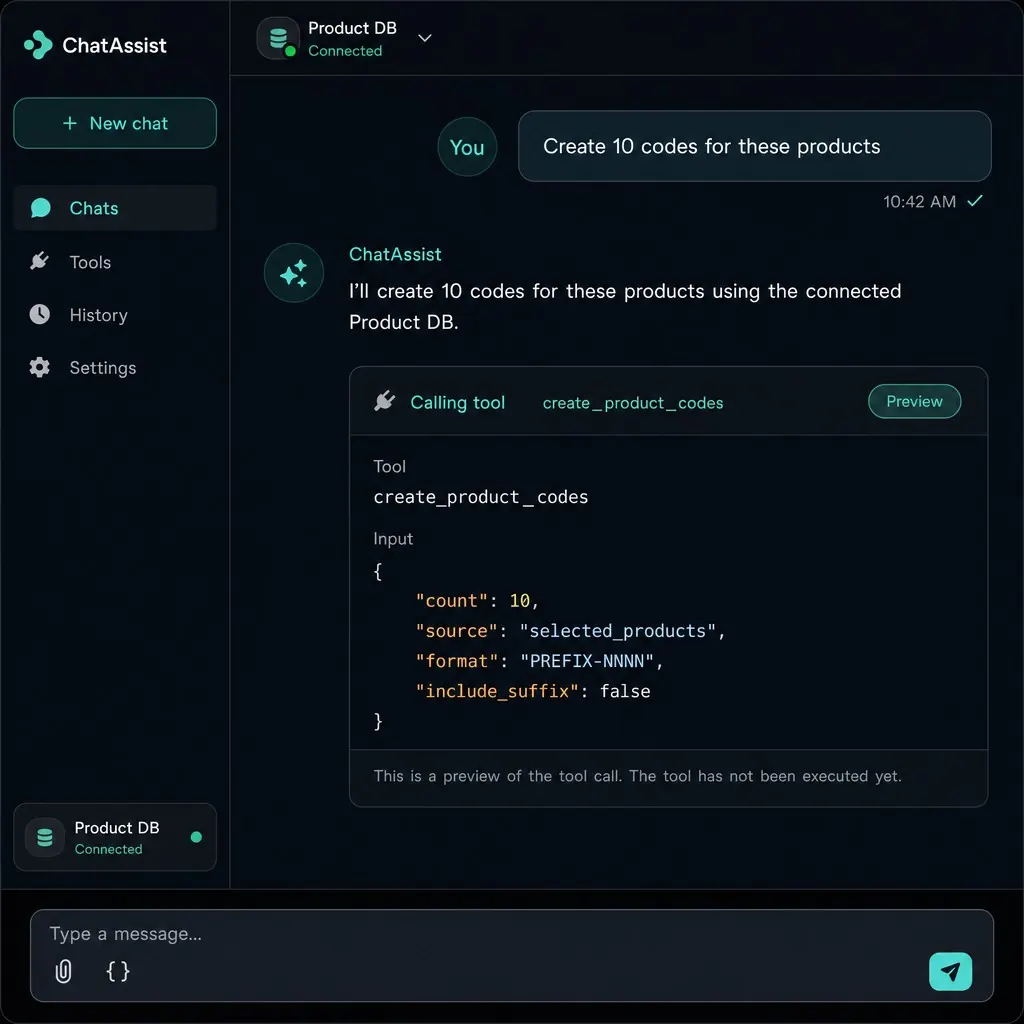
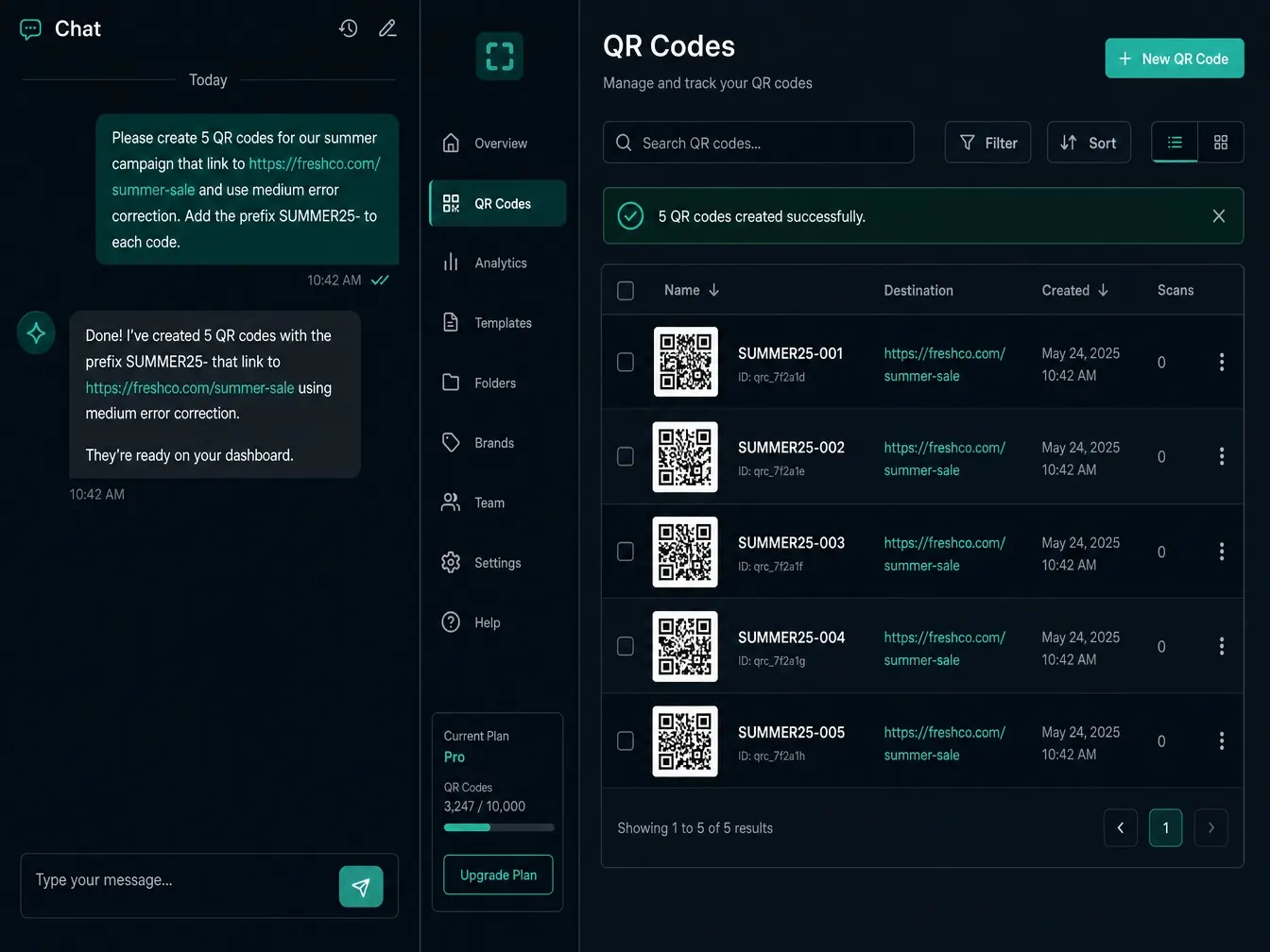
QR Hero's MCP server closes that gap. Point Claude, Cursor, ChatGPT, Windsurf, VS Code (via GitHub Copilot), or any other MCP-compatible assistant at a scoped token and it gains access to the same 24 tools that power the dashboard and API - codes, domains, analytics, brands, and tokens - callable in plain language. "Create 10 codes for these products" or "how did last week's menu code perform" become requests the assistant can actually carry out, not just discuss.
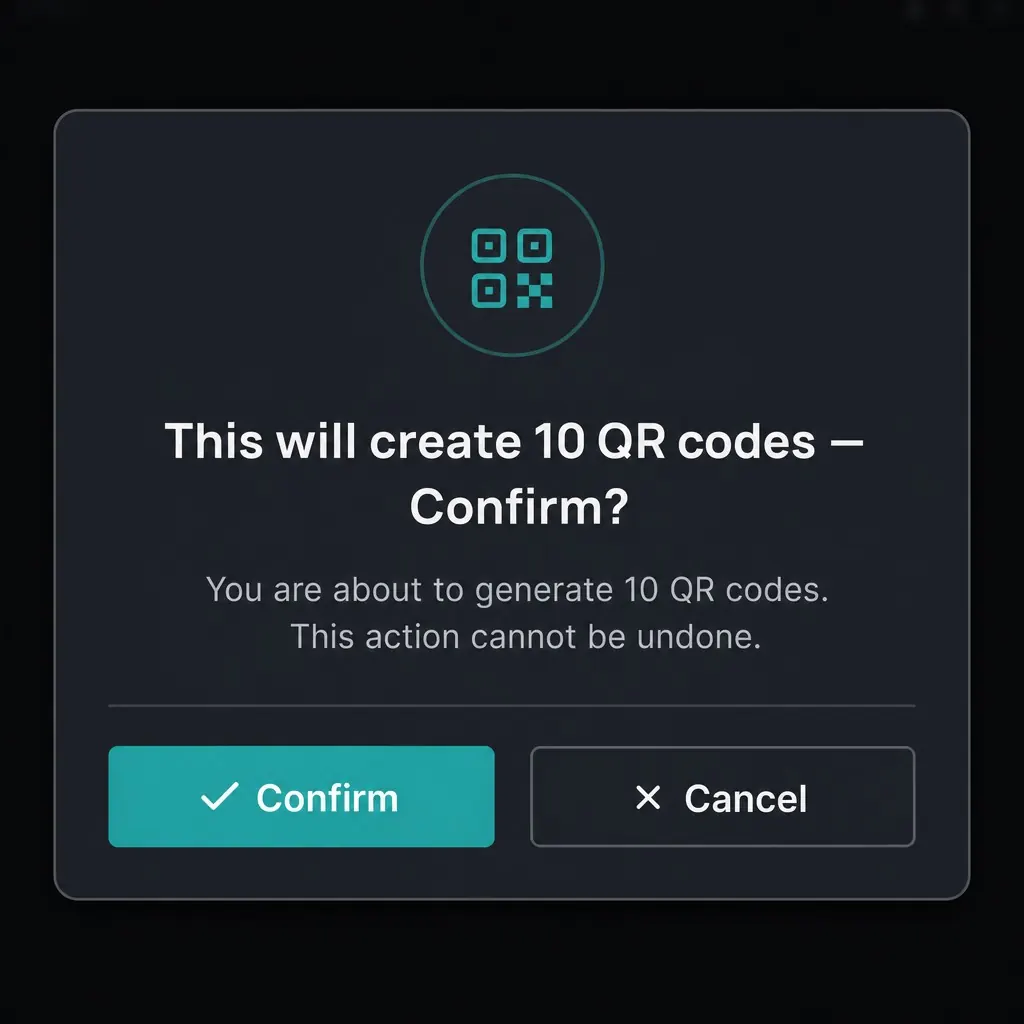
That access doesn't mean handing over the keys. Bulk or destructive actions preview first, and nothing runs until a second explicit confirm - the same safety model a scoped token already enforces through the dashboard. It's an open standard too, so it isn't locked to one AI vendor, and it's bundled with API access from the Business plan up rather than sold as a separate add-on, with the full tool catalog documented alongside the API reference for teams that want to know exactly what's callable before they connect it.
The MCP integration sits on top of the same API access and Scan analytics endpoints available directly, so an assistant can check scan performance or repoint a Dynamic links destination without a human opening the dashboard.
Great answers, but no way to actually create, check, or fix anything.
Ask in plain language - "create 10 codes for these products" - and it calls the right tool.
Bulk or destructive actions preview first - nothing runs until you confirm.
Point your AI assistant at QR Hero's MCP endpoint with a scoped token.
"Create 10 codes for these products" or "How did last week's menu code perform?"
Bulk or destructive actions show a preview first - nothing runs until you confirm.

24 tools across the platform
Codes, domains, analytics, brands, and tokens - mirroring the full API.
Confirm-then-execute safety
Destructive and bulk actions preview first; a second explicit confirm runs them.
Same permission model as the API
Nothing exposed that a scoped token couldn't already do through the dashboard.
Works with Claude, Cursor, ChatGPT, and more
Tested with Claude Desktop/Code, Cursor, ChatGPT, Windsurf, and VS Code (via GitHub Copilot) - plus any other client that speaks MCP.
Bundled with API access
No separate add-on - included wherever API access is, from Business up.
Public tool catalog
The full list of callable tools, request/response shapes, and setup steps for each client.
Put it to work on your next print run
Your first dynamic code is live in minutes, on your own domain.
No - that's the point. You describe what you want in plain language, and your AI assistant calls the right MCP tools to do the technical work.
No - MCP access is bundled with API access from the Business plan up, not a separate line item.
No - destructive and bulk-create tools always return a dry-run preview first. Nothing executes until you explicitly confirm that specific change.
We test against Claude Desktop, Claude Code, Cursor, ChatGPT, Windsurf, and VS Code (via GitHub Copilot) - plus any other client that supports the Model Context Protocol (MCP), an open standard, so the list keeps growing as more assistants add support.
Common pairings for campaign-driven teams.
Your first dynamic code is live in minutes, on your own domain.