Feature
WiFi codes that survive a password change
A QR that joins the network on scan - update the password without reprinting the sign on the wall.
Feature
A QR that joins the network on scan - update the password without reprinting the sign on the wall.
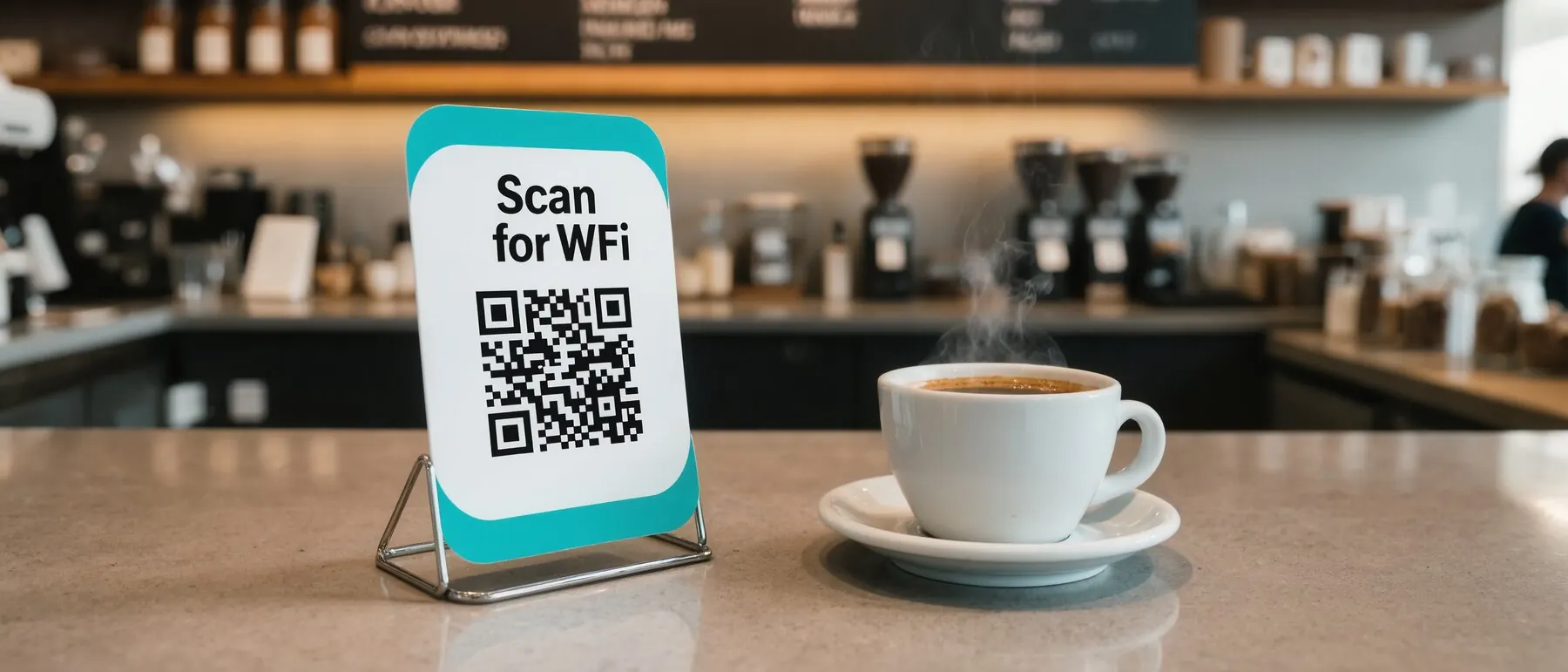
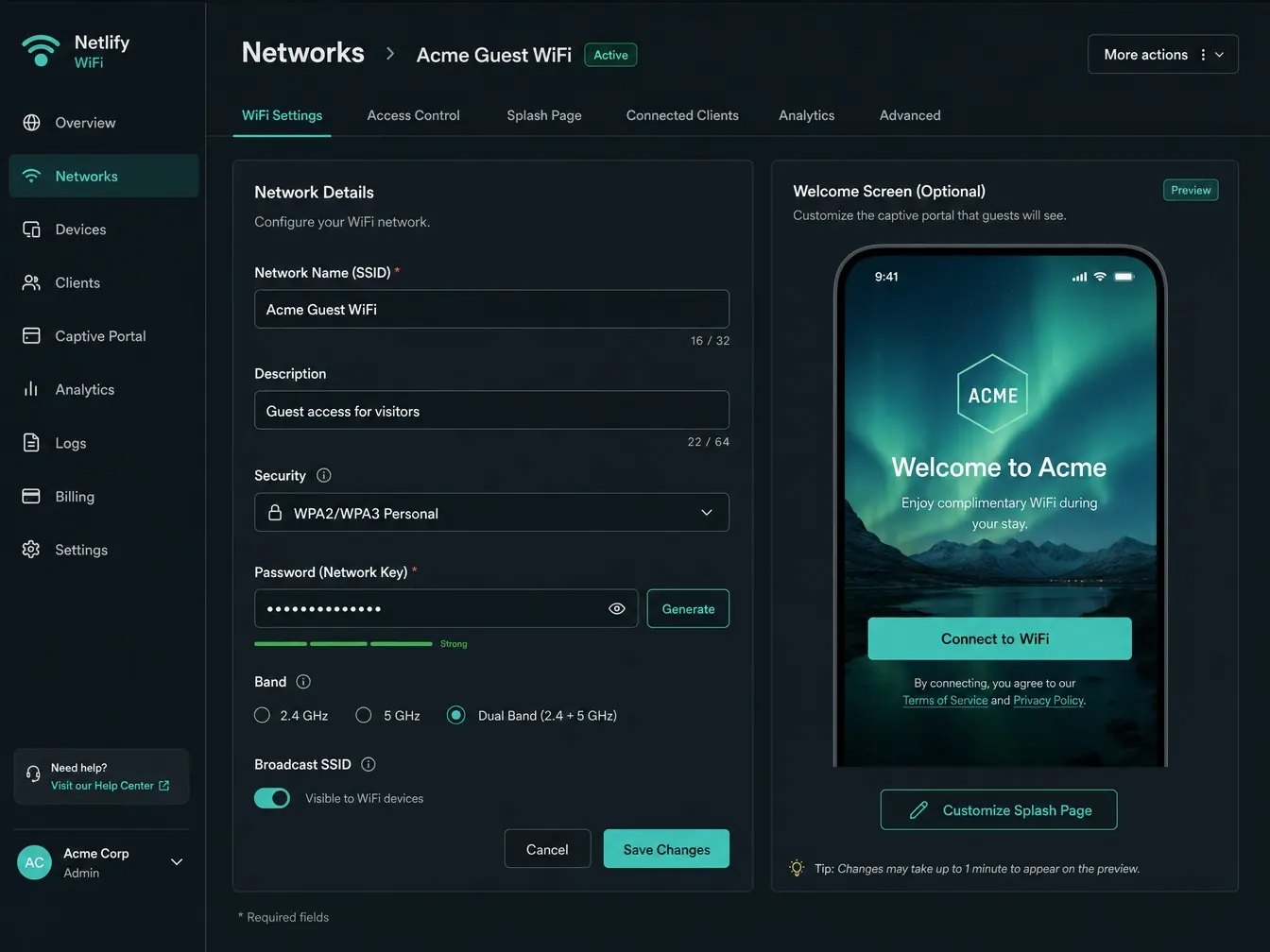
A QR Hero WiFi code joins the network on scan, with an optional branded welcome page — update the password anytime without reprinting the sign.
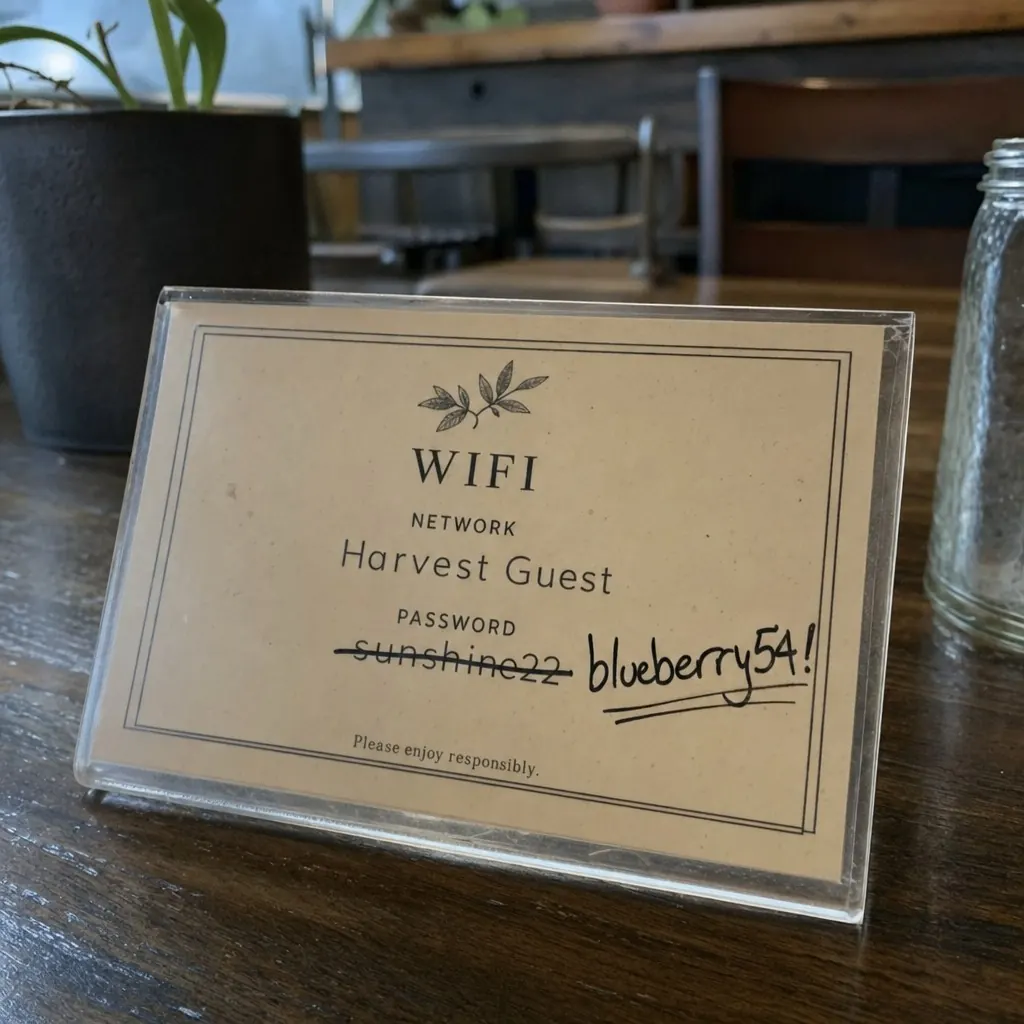
A laminated WiFi sign usually shows a live password in plain text, which means the moment that password changes - for security, seasonally, or because a staff member left - the sign is instantly wrong, and someone has to notice, print a new one, and physically swap it out. Until that happens, guests either can't connect or a stale sign quietly keeps handing out an old, still-in-use password.
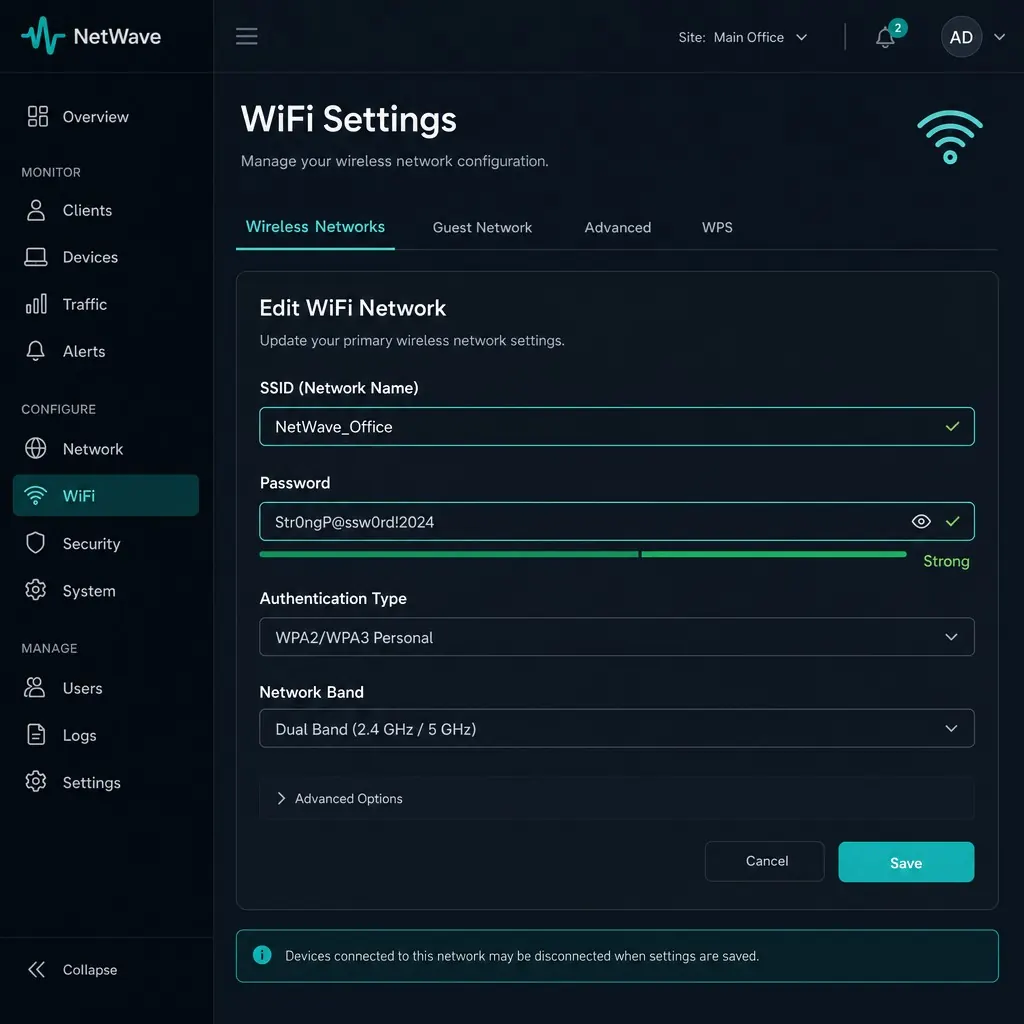
QR Hero's WiFi codes separate the printed sign from the credentials behind it. Enter your SSID, password, and auth type (WPA/WPA2/WPA3, open, or enterprise) once, and a scan joins the device to the network directly, the same way any WiFi QR code works - except the credentials live in your dashboard, not baked into the print. Rotate the password as often as security policy requires, and the same printed table card, window sticker, or wall sign keeps working, now handing out whatever's current.
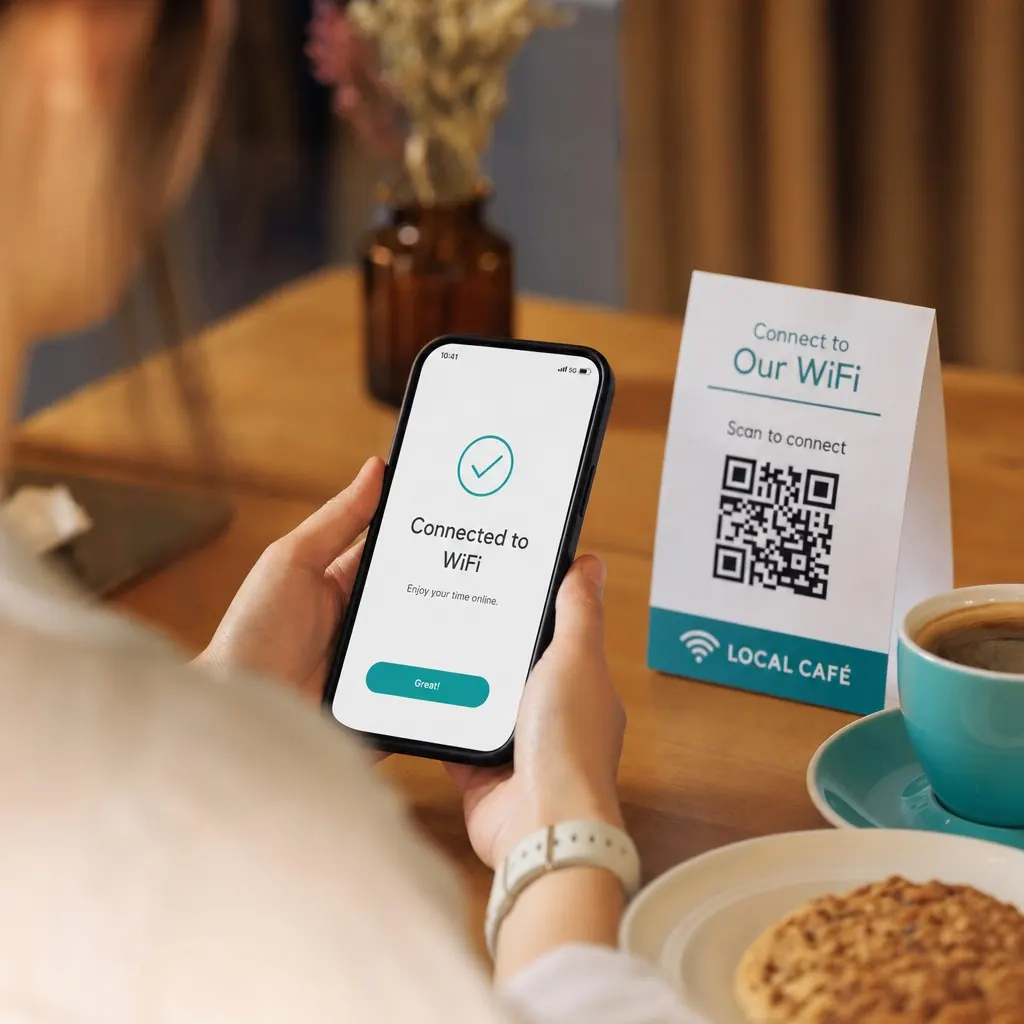
An optional branded welcome screen adds a lightweight "Connect to your network" page - common for cafés and hotels that want a bit of branding or terms acceptance before guests join - and no app install is required on either end, since it works with iOS and Android's native scan-to-join camera flow. It pairs naturally with menu microsites or contact and review codes on the same table card, and per-location scan analytics help multi-site businesses track guest network usage across locations.
WiFi codes are commonly placed next to a Menus & microsites page, a Contact & review codes code for feedback before guests leave, and a Location & directions code for anyone who found the network before they found the address.
Most static WiFi codes bake the password directly in.
Change the password anytime, from anywhere.
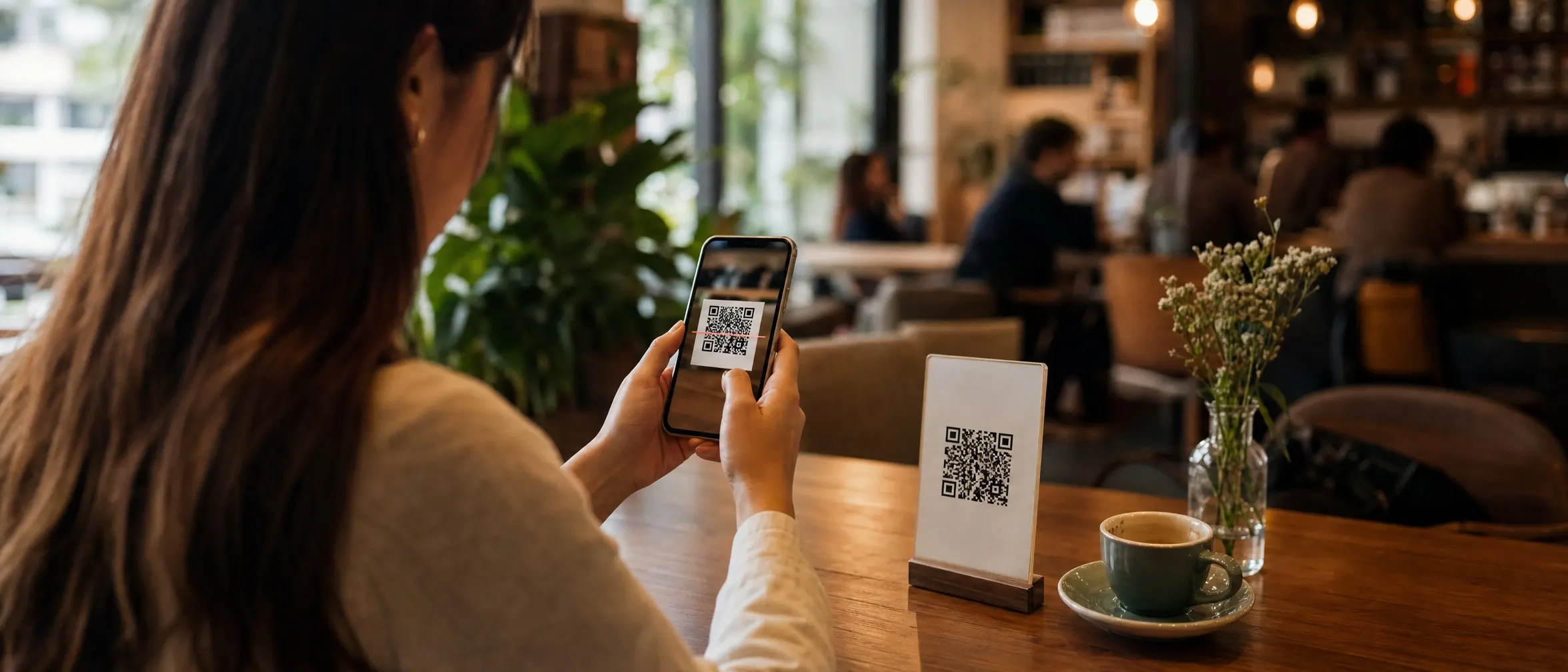
Guests just scan and connect - always with the current password.
SSID, password, auth type - WPA/WPA2/WPA3, open, or enterprise.
A branded "Connect to {SSID}" screen, useful for cafés and hotels.
Rotate credentials as often as you like - the sign stays the same.
All standard auth types
WPA/WPA2/WPA3, open networks, and enterprise auth.
Optional branded welcome screen
Your logo and terms, common for cafés and hotels.
Instant credential rotation
Change the password as often as security policy requires.
No app required
Works with iOS and Android's native "scan to join" camera.
Pairs with menus and reviews
Same laminated table card as Menu & microsites or Contact & review.
Per-location scan analytics
Useful for multi-site businesses tracking guest network usage.
Put it to work on your next print run
Your first dynamic code is live in minutes, on your own domain.
Scanning connects the device to the network directly, the same way any WiFi QR code works - treat it like posting the password itself, and rotate it if you suspect misuse.
Yes, via the optional branded welcome page - commonly used by cafés and hotels for a lightweight captive-portal-style flow.
Nothing - the printed sign is unchanged. Update the password in your dashboard and the same code hosts the new credentials on the next scan.
WiFi codes use the standard network-join format phones understand natively, which covers WPA/WPA2/WPA3-Personal and open networks. 802.1X enterprise networks aren't part of that standard - for those, point a code at your onboarding or captive-portal page instead.
Common pairings for restaurants and hospitality.
Just need a one-off static code?
Our free generator makes one in your browser, no account required. It cannot be re-pointed or measured once it is printed, which is exactly why this page exists.
Your first dynamic code is live in minutes, on your own domain.