Feature
Change the menu without touching the printer
A hosted menu microsite behind a single QR code - update items, prices, and availability in seconds, on every table at once.
Feature
A hosted menu microsite behind a single QR code - update items, prices, and availability in seconds, on every table at once.
A QR Hero menu microsite is a hosted page behind one QR code that updates the moment prices or items change — no reprinting, ever.
A QR code menu isn't just a convenience for customers - hosted well, it's a page search engines can actually find. A menu microsite with real, indexable content (dish names, descriptions, prices, dietary tags) gives a restaurant something a PDF or a photo of a printed menu never could: text that shows up in local search when someone nearby searches for a dish, cuisine, or "menu near me."
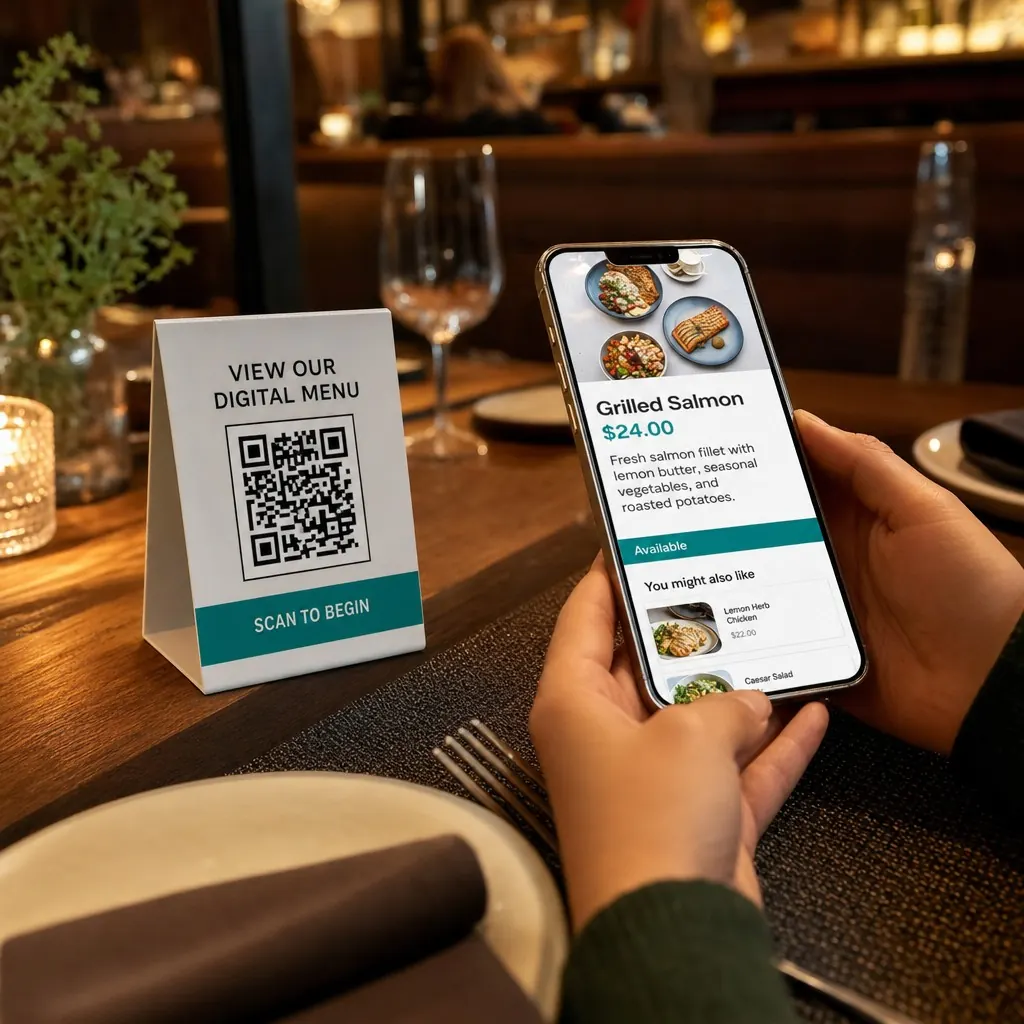
QR Hero's menu microsites are built as real hosted pages, not gated PDFs or app-only viewers. Each menu lives at its own address, updates instantly across every printed table code the moment you change a price or 86 a dish, and renders as a fast, mobile-first page tuned for one-handed scrolling rather than a shrunk-down desktop layout. Sections, prices, photos, and allergen or dietary tags are structured content - exactly what both customers and search engines respond to.
Pair a menu microsite with WiFi details and review links behind the same table card, and one QR code covers the full at-table experience: browse the menu, connect to WiFi, and leave a review, without a server handing out a password or a slip of paper. For restaurants managing multiple locations, per-table scan analytics show which codes actually get used, so you know whether that window cling or table tent is pulling its weight.
Menu and microsite pages typically sit alongside a WiFi codes code for guests at the table, a Contact & review codes code to collect feedback on the way out, and a Location & directions code for anyone finding the venue for the first time.
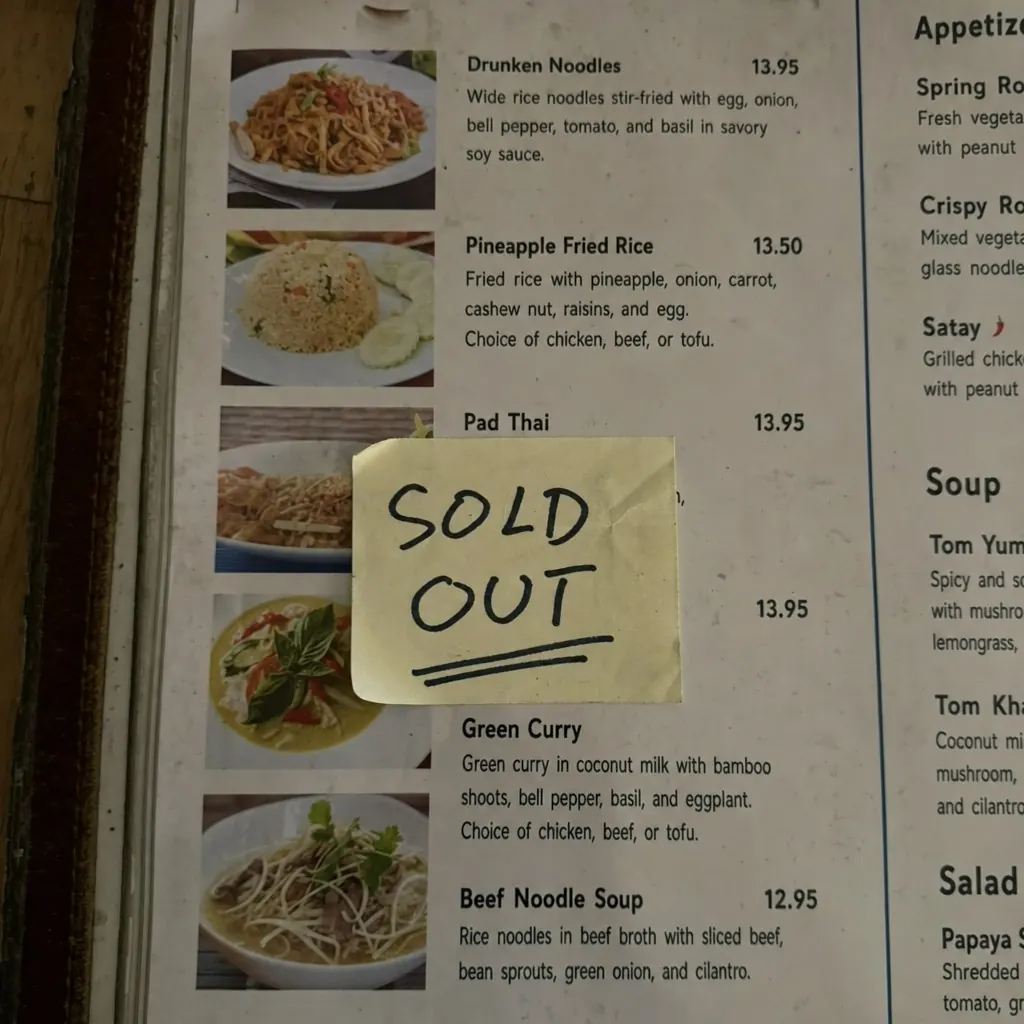
A sold-out dish or a price change means every table's menu is wrong until reprinted.
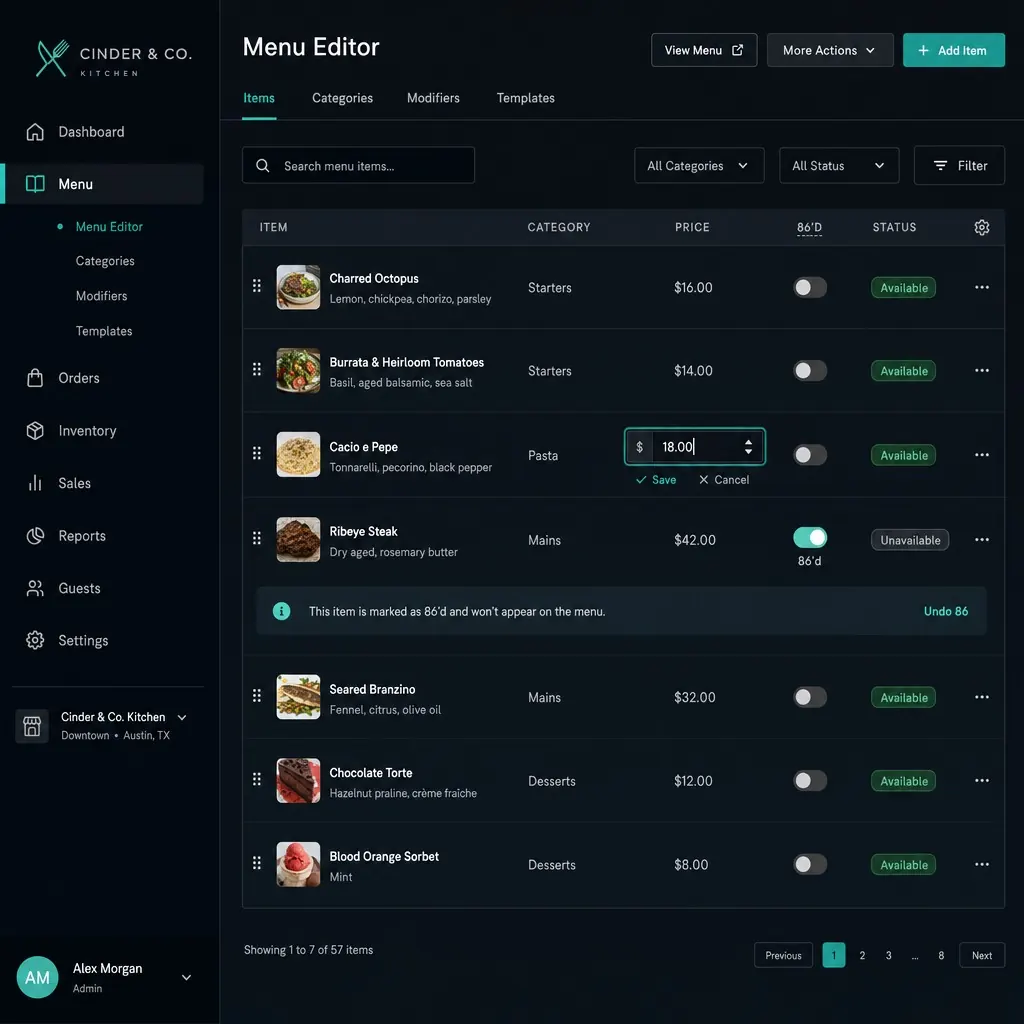
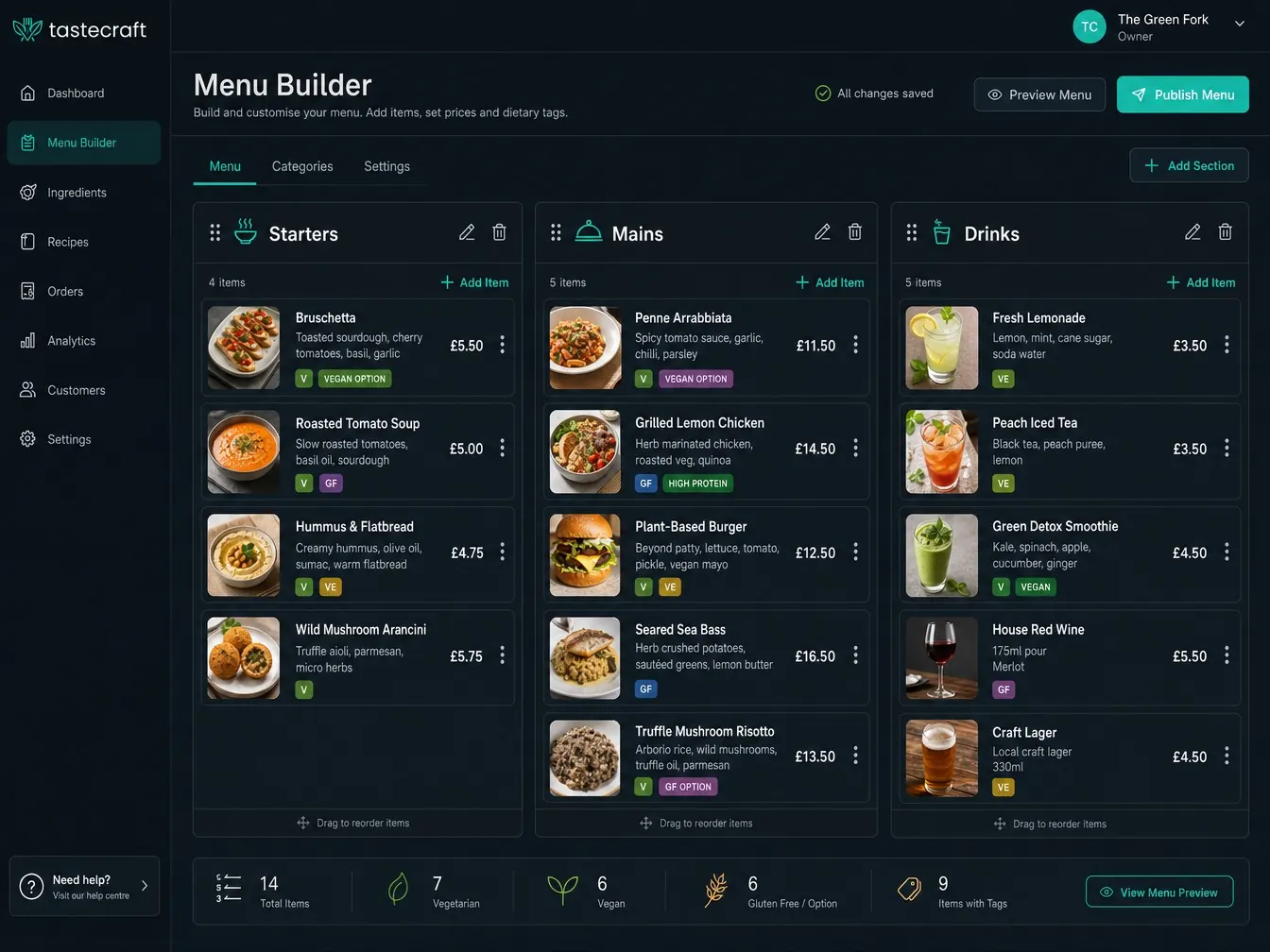
Change a price or 86 a dish in seconds, from anywhere - no reprint, no re-laminating.
The printed code never needs to change - it just stays current.
Sections, items, prices, photos, allergen tags - organized how your menu actually reads.
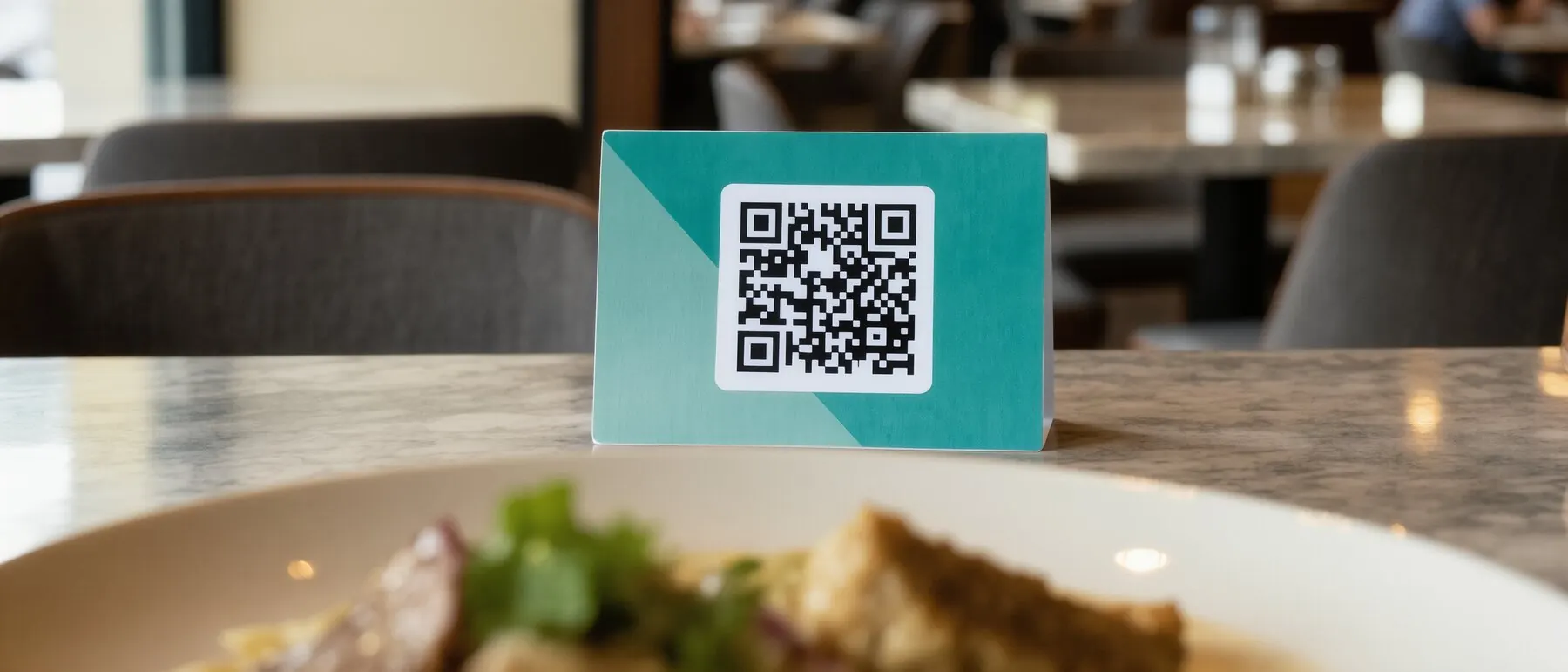
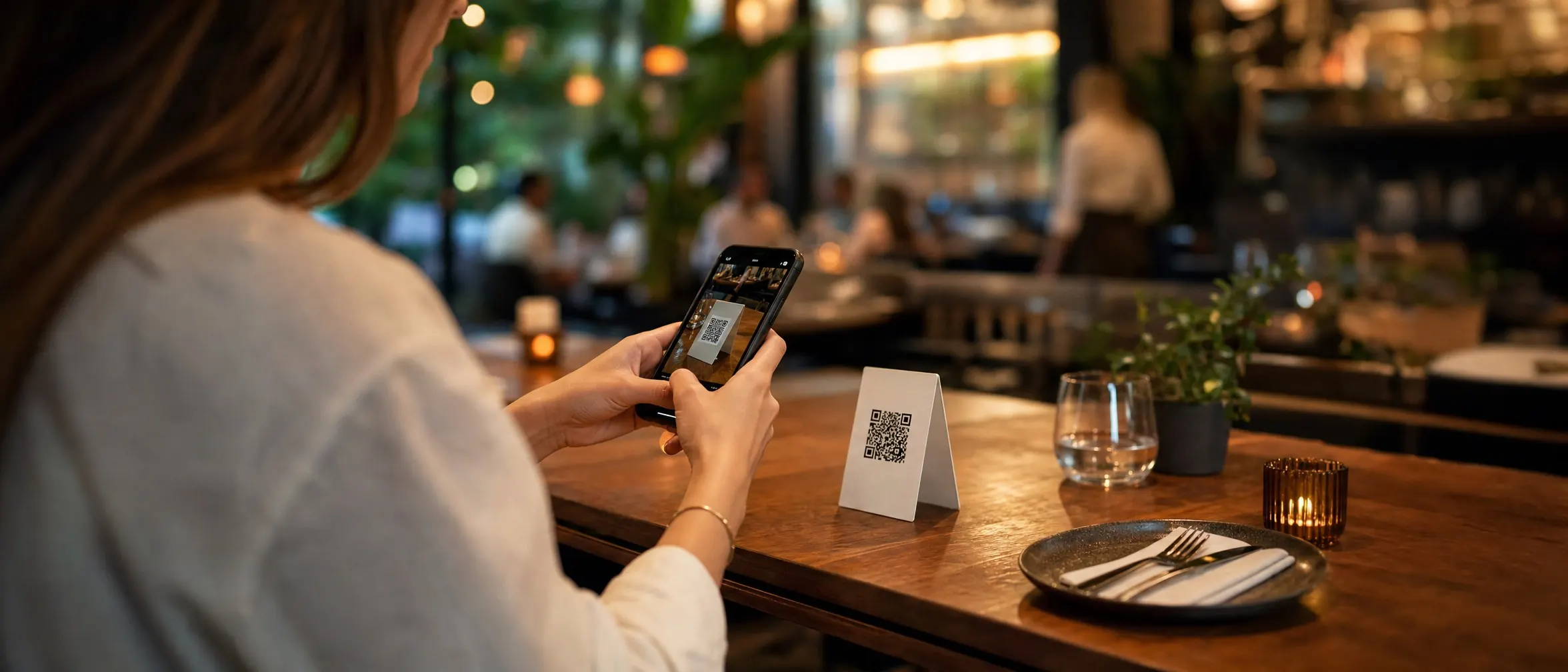
One QR per table, wall, or window. It never needs to change again.
Raise prices or 86 a dish - update once, every table sees it instantly.
Sections, prices, and tags
Items, photos, and allergen/dietary tags, organized how your menu actually reads.
Instant updates, every table
No batch reprint when a dish sells out mid-service.
Mobile-first layout
Tuned for one-handed scrolling at a table, not a shrunk-down desktop page.
Per-daypart menus
Breakfast, lunch, and dinner behind the same code.
Pairs with WiFi and reviews
One laminated table card covering menu, network, and reviews.
Per-table scan analytics
See which table codes actually get used.
Put it to work on your next print run
Your first dynamic code is live in minutes, on your own domain.
Yes - each table (or location) can have its own code pointing at its own menu, all managed from one dashboard.
Their view refreshes on next load. Since nothing is printed with content baked in, there's no stale copy floating around.
It can do either - use it as a standalone hosted menu, or link out to it from an existing website.
Common pairings for campaign-driven teams.
Your first dynamic code is live in minutes, on your own domain.